
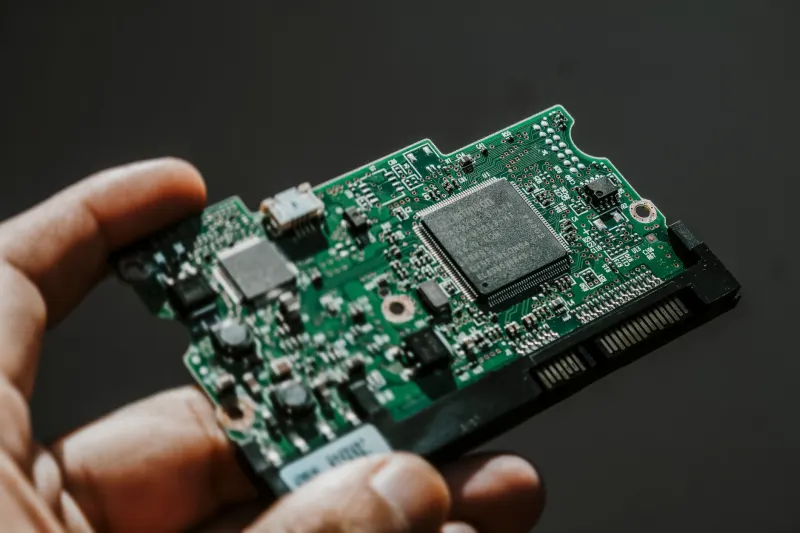
Raspberry Pi projects are infamous for fizzling out before completion. While the truly dedicated will finish complex builds like custom voice assistants, automated irrigation systems, or creepy animatronics, many beginner ideas ultimately require more patience than users are willing to invest. Hardware costs have also shifted significantly following memory price surges driven by AI data centers, meaning a fully loaded 16GB Pi 5 now costs $385—over three times its original $120 MSRP. Fortunately, budget models remain accessible, with the 1GB Pi 5 priced at just $45, while 2GB and 4GB versions provide affordable horsepower for a variety of starter builds that keep hardware from collecting dust.
Key takeaways
- The 1GB Raspberry Pi 5 costs $45, while memory market pressures have pushed the 16GB model to $385.
- Pi-hole is a free, open-source network-wide ad blocker that plugs directly into a router via Ethernet.
- Software such as Recalbox, Batocera, and RetroPie can transform a Pi into a classic retro gaming console.
- Sunshine and Moonlight software combinations enable local PC game streaming to a TV from the couch.
Network ad blocking and media centers
One of the most popular entry points into Raspberry Pi wizardry is setting up Pi-hole to block ads and trackers for every device on your home network. The free and open-source software relies on third-party lists of known trackers and ad servers to function. The simplest configuration involves plugging a Pi directly into your router using an Ethernet cable, giving it a fixed IP address, and tweaking your router settings so it hands out Pi-hole as your network DNS server. This approach bypasses the need to install individual ad blockers on every device and streaming box in the house.
Another practical utility build is a Kodi-powered media center using software like LibreELEC to boot your Pi into a TV-friendly user interface. While it will not stream from commercial subscription services, it makes enjoying movies, music, shows, and photos from a home server or hard drive seamless. Kodi automatically fills in artwork and episode information, and an HDMI-CEC feature allows you to navigate the interface using your standard television remote rather than a separate device.
Gaming and audio projects
A Raspberry Pi can also serve as the brains for an old-school gaming machine by flashing software like Recalbox, Batocera, or RetroPie to a microSD card. While older platforms like the NES or Sega Genesis require very little RAM, you will want a Pi 5 with 4GB or more if you plan to emulate GameCube and Wii titles. Users must supply their own ROMs and navigate the associated legal gray areas, but the interactive reward provides strong incentive to finish the build. Taking things further, you can replicate a discontinued Chromecast Audio by plugging a Pi into an old stereo or powered speakers and installing Raspotify for Spotify Connect or Shairport Sync for AirPlay.
Modern gamers can also build a remote client for their gaming PC similar to the discontinued Steam Link box. By installing the host software Sunshine on a PC equipped with an NVIDIA, AMD, or Intel GPU, and pairing it with Moonlight companion software on the Pi, you can stream demanding titles to your living room. For families, a Pi can even serve as a child's first computer when plugged into a monitor, though parents should manually configure parental controls beforehand since they are not included out of the box.





Comments