
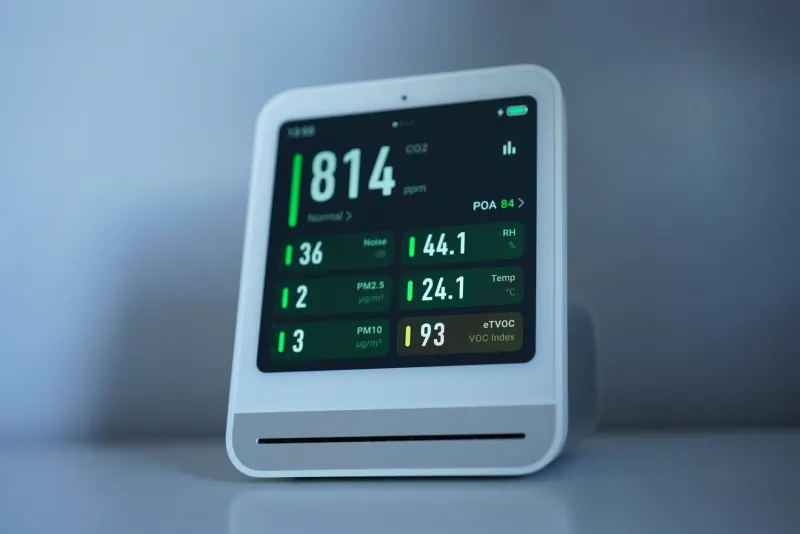
Apple's recently launched HomeView smart display functions as both a touchscreen music controller and a connected speaker, prompting closer examination of its acoustic performance and third-party app integration. Senior reviewer Jennifer Pattison Tuohy conducted further testing on the device following initial reviews to evaluate how well it handles music playback, audio handoff, and services like Spotify and Audible.
When compared to dedicated smart speakers, the tabletop HomeView sits closer in size and sound quality to the HomePod Mini rather than a full-size HomePod or a Sonos One. The tabletop version features two drivers in the display, along with a woofer and two passive radiators in its base, delivering better bass and slightly higher volume than the HomePod Mini 2. However, the display partially covers the speaker base, which affects overall clarity and room-filling dispersion compared to the 360-degree sound of the Mini 2, though the HomeView does support Spatial Audio with Dolby Atmos. Meanwhile, the wall-mounted HomeView features only two drivers with computational audio tuned for wall placement, resulting in a much thinner sound profile and virtually no bass.
Key takeaways
- The tabletop HomeView features better bass and volume than the HomePod Mini 2, but lacks comparable room-filling clarity.
- Two HomeViews cannot be paired together for a stereo sound setup.
- Third-party audio apps on the HomeView rely on Apple's CarPlay platform, bringing limitations like a lack of search fields.
- Handoff supports audio and video by tapping an iPhone near the bottom of the screen.
Stereo limitations and speaker routing
Users cannot pair two HomeViews together for stereo sound, unlike the HomePod Mini, which supports stereo pairing. Additionally, the HomeView does not allow users to designate a default speaker or group to replace its built-in hardware for playback. While it can AirPlay audio to HomePods, Sonos speakers, or televisions, native apps like Apple Music and Podcasts remember the last-used speaker, whereas Siri voice commands will default directly to the HomeView speaker unless specified otherwise.
Audio handoff works similarly to the HomePod by tapping a phone near the base of the screen, but the HomeView adds support for video handoff. Tested apps such as Apple TV, Spotify, YouTube Music, Pocket Casts, and FaceTime successfully handed off content, although video apps like Netflix and Amazon Prime Video were limited to playing audio unless opened through the Safari browser. Handoff features can be overly aggressive, frequently prompting transfers if a phone is held within a few inches of the display.
Third-party app constraints via CarPlay
Third-party audio apps on the HomeView, including Spotify, Amazon Music, and Audible, operate through Apple's CarPlay platform. This architecture creates several operational hurdles, requiring the user's phone to be on the same Wi-Fi network with an active user profile on the device. Because the software originates from CarPlay standards designed for vehicles, these apps lack on-screen search boxes or keyboard typing capabilities, forcing users to rely entirely on scrolling or Siri voice search.
Furthermore, third-party apps exhibit slower performance, laggy interfaces, and occasional bugs. For instance, the Audible app frequently failed to load or respond to Siri voice commands. Ultimately, experts suggest prospective buyers prioritize the HomeView for its touchscreen control interface and display capabilities rather than pure audio performance, noting that dedicated music listeners may prefer traditional smart speakers.




Comments