
Upgrading computers has grown increasingly expensive in recent years, leaving many users with aging machines sitting in drawers. Rather than letting an old mini PC collect dust, several practical projects can give the hardware a completely new lease on life. Depending on what is under the hood, these repurposing methods range from simple software installations to more advanced setups involving local storage and custom operating systems.
Key takeaways
- Batocera allows users to turn an old mini PC into a dedicated retro gaming console for classic titles.
- Media software like Plex, Jellyfin, and Kodi help transform the hardware into a personal streaming server.
- Tools like Ollama enable users to experiment with smaller local language models and AI coding assistants.
- Open-source software like Frigate can convert the machine into a local security camera recorder.
Retro gaming and media streaming hubs
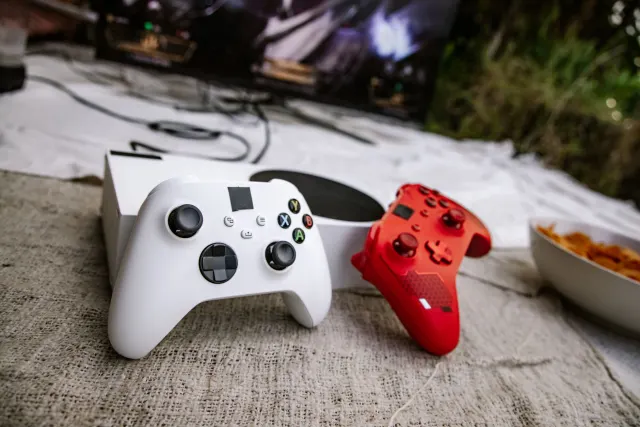
One of the most popular ways to utilize an older mini PC is by turning it into a dedicated retro gaming console. By downloading Batocera, a free Linux-based operating system, users can boot directly from a USB stick and play classic Nintendo, Sega, and PlayStation titles. While performance varies based on hardware specifications and older chips may struggle with PlayStation 2 or GameCube games, the platform organizes libraries into an easy-to-navigate console interface.
Alternatively, the hardware can serve as a home media center and personal file server. Connecting the mini PC to a television and installing Kodi allows for local playback of stored movies and music. Furthermore, applications like Plex and Jellyfin can stream media libraries across the home network to tablets, phones, and compatible TVs. Users can also attach an external SSD or hard drive alongside software like OpenMediaVault to build a network-attached storage device for backups and family photos without relying on monthly cloud storage fees.
Jukebox setups and security recording
For social gatherings, an old mini PC can be paired with a touchscreen and speakers to function as a digital jukebox. Applications such as Jukiora and TouchGroove provide customized interfaces complete with album art. TouchGroove even allows guests to queue up songs using a QR code via their smartphones, eliminating the need to pass a device around a room. Both services offer a seven-day free trial followed by a one-time purchase.
Homeowners who already utilize security cameras can repurpose their machine into a local video recorder using Frigate. This open-source network video recorder stores footage locally while utilizing AI to detect objects such as people and vehicles, making it easier to review driveway or front door activity. However, this setup requires a processor supporting AVX and AVX2 instructions, ruling out many older Celeron, Pentium, and Atom chips.
Running local AI and coding assistants
Aging hardware can also find a second career supporting artificial intelligence experiments. Software like Ollama lets users download smaller language models, such as Meta's 1.3 GB Llama 3.2 1B model, and run them directly on the machine without sending prompts across the web. While older processors and limited RAM will not match the performance of a modern workstation, users can still summarize text, ask questions, and test out local models for free. Developers can also connect locally hosted models via Ollama to advanced coding tools, providing a versatile option for technical projects.




Comments