
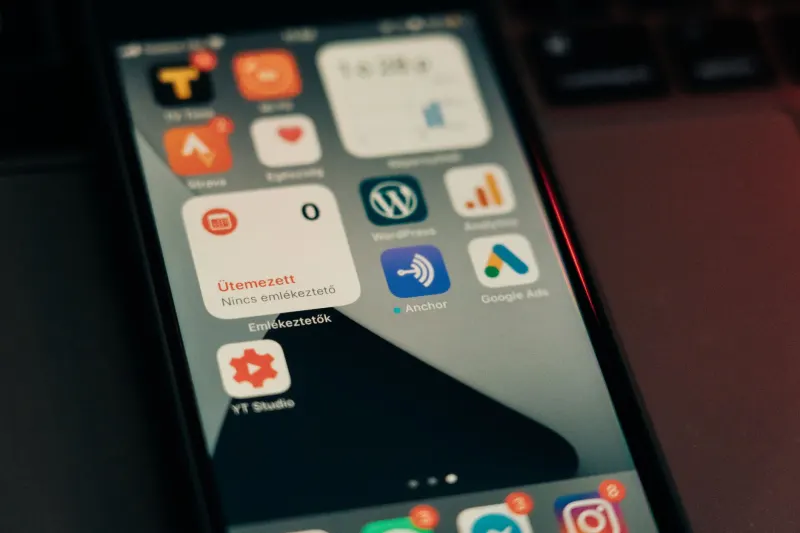
Samsung has officially kicked off the rollout of its One UI 9 system update, introducing a wide array of functional upgrades and playful customization tools for mobile users. From enhanced lock screen configurations to deeper AI integration, the latest software package delivers substantial improvements across multiple device categories. Power users and casual enthusiasts alike will find meaningful quality-of-life adjustments baked directly into the core operating system and its companion modules.
Key takeaways
- One UI 9 introduces a standalone dark mode button in the revamped Quick Panel alongside granular vertical and horizontal widget resizing.
- Users can now shoot in a new mid-range 24MP resolution by enabling the Camera Assistant module within Good Lock.
- The update adds a direct USB webcam connection option and My Fan Cam aspect ratio cropping for videos.
- Live Data Speed monitoring displays real-time Wi-Fi and cellular speeds directly in the status bar.
Control center and camera enhancements
Navigation and system controls receive a notable polish in One UI 9. The Quick Panel overhaul separates dark mode into a standalone button instead of tying it strictly to the display slider, allowing users to override system settings with a single tap. Users can also utilize granular vertical and horizontal resizing for controls, including the media playback widget. Meanwhile, the camera app gains a flexible 24MP resolution option, sitting between the traditional 12MP setting and the storage-heavy 50MP mode. Accessing this option requires installing Good Lock, opening the Camera Assistant module, and enabling the Advanced Resolution Options.
Connecting a Samsung phone to a computer for video calls is now far simpler. Instead of relying on clunky third-party workarounds, users can establish a direct USB connection, pull down the notification shade, select USB entry, and choose the Webcam setting. Foldable devices like the Galaxy Z Fold 8 benefit particularly well from this feature due to their ability to balance independently on flat surfaces. For photography and video editing, the AI-powered My Fan Cam lets users resize aspect ratios to focus on specific subjects, effectively cropping a 16x9 video into a 9x16 vertical format. Additionally, the updated object eraser automatically identifies unwanted elements in photos without requiring manual tracing.
Productivity, multitasking, and privacy updates
Multitasking capabilities expand further with One UI 9, allowing users to run up to three apps simultaneously on larger screens such as wide foldables. Screen organization gets a boost from the Gallery app's AI-powered categorization, which automatically groups screenshots into specific folders like QR codes, receipts, and boarding passes while enabling keyword searches. Privacy controls also see incremental improvements through a new blue Privacy Indicator in the status bar, which signals when apps are actively sharing your location and provides a direct shortcut to manage permissions.
Other functional additions include Gesture Wake-up for Bixby, allowing users to lift their phone to their lips to summon the assistant without speaking a wake word. Live data speed monitoring can now be enabled via the Good Lock QuickStar module to show real-time network speeds in the status bar. Furthermore, the built-in document scanner receives an AI boost capable of removing creases, folds, curves, and thumb shadows using the Finger Eraser option, while better compensating for glare and moiré patterns.


Comments