
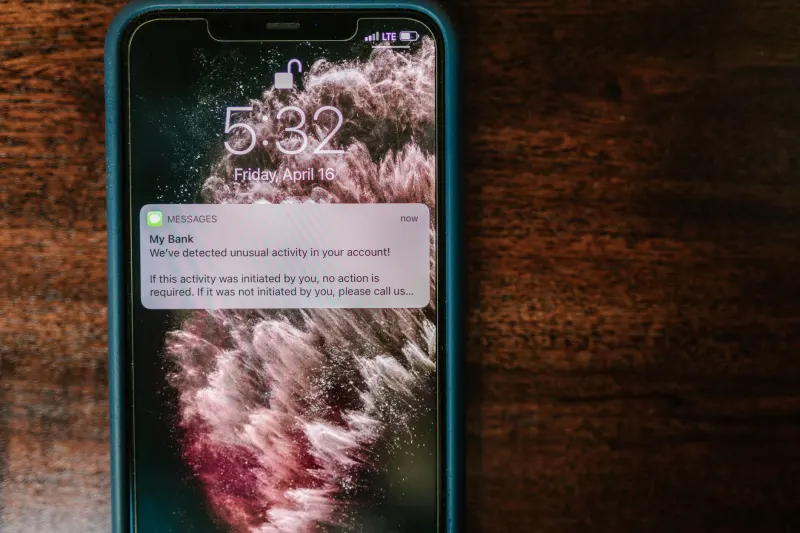
Cybersecurity practices have evolved far beyond the days of simple numeric sequences or dictionary words. Most online services now enforce strict requirements, demanding combinations of upper and lower case letters, numbers, and symbols to block unauthorized access by malicious actors or modern artificial intelligence systems. Even with these safeguards in place, verifying whether a custom login can genuinely withstand a breach requires specific evaluation methods and a thorough understanding of modern digital defense habits.
Key takeaways
- Passwords should be at least 12 characters long and include upper and lower case letters, numbers, and symbols.
- Free online tools like the Security.org password checker can evaluate how long a computer would take to crack your code.
- Using unique passwords for every single online account prevents a single data breach from compromising all your services.
- Password managers, authenticator apps, and passkeys add vital layers of protection beyond a standard text login.
What defines a strong password
Constructing a robust credential involves more than just mixing random characters. Security guidelines dictate that a strong password must be a minimum of 12 characters long and incorporate a diverse mix of uppercase letters, lowercase letters, numbers, and symbols. Furthermore, the selected characters must never spell a recognizable word, especially personal information like a surname. Users should avoid consecutive alphabet sequences such as LMNOP, adjacent keyboard patterns like QWERTY, and predictable numerical strings like birthdays, street addresses, or repeating digits like 555.
Once a combination is crafted, free online evaluation tools such as the Security.org checker provide immediate feedback on strength. Testing demonstrates a dramatic difference in resilience; adding symbols and increasing length can elevate a computer cracking time estimate from four years to two million years. Conversely, utilizing a simple word paired with consecutive numbers often yields a vulnerability window of just three days.
Leveraging password managers and multi-factor authentication
Relying solely on memory can tempt users toward weak or repeated credentials. Automatic password generation tools, such as the Apple MacBook Passwords app or third-party platforms like LastPass and 1Password, streamline the creation of complex security keys and safely store them. Security experts note that creating a dedicated login via a manager is generally safer than signing in through an existing Google or Apple account.
To compound this security, implementing an authenticator app like Google Authenticator introduces a second layer of defense. These applications generate continuously changing six-digit codes required at login. Alternatively, when supported by a service, passkeys offer even higher security by relying on private keys accessed via biometrics such as a fingerprint, face scan, or a personal PIN.
Maintaining optimal online safety habits
Creating a secure credential represents only part of a comprehensive online defense strategy. Security protocols dictate that every single account must utilize a completely unique password. Reusing a single password across multiple platforms creates a catastrophic vulnerability where a single data breach or instance of human error compromises every associated service.
To mitigate these ongoing risks, users should update their passwords every 60 to 90 days, or change them immediately if a specific platform reports a security breach. Combining unique passwords, password managers, authenticator apps, and passkeys creates a resilient barrier against modern digital threats.





Comments