
Building a new personal computer requires a significant financial investment, particularly given that the prices of certain components have skyrocketed recently. Because of this high expense, builders naturally wonder how long their new machine will last. The central processing unit is typically one of the most expensive parts of any PC build, but owners generally do not need to worry about purchasing a replacement very often. Under typical operating conditions, a processor will not wear out from regular use, and it is entirely common for a CPU to remain fully functional for a decade or more after installation.
Rather than suffering a physical hardware failure, your processor is much more likely to be retired simply because it has become obsolete. Over time, older silicon will eventually struggle to keep up with demanding new video games or resource-heavy programs. When hardware does fail prematurely, it usually happens very early in its lifecycle. The delicate manufacturing process occasionally produces faulty CPUs, and those defective units tend to display operational problems right from the very start.
Key takeaways
- CPUs can easily remain functional for a decade or more under normal conditions.
- Processors usually become obsolete rather than physically wearing out from age.
- Heat is the biggest stressor, degrading component performance over time.
- Task Manager can reveal if a processor is struggling under heavy loads.
Identifying CPU failure and performance issues
If you have owned your processor for quite some time and suspect it might be failing, certain warning signs often appear. Computers that freeze for no apparent reason, fail to boot entirely, or restart completely at random can indicate a failing chip. However, pinning these frustrating issues directly to the CPU is both difficult and rare, as identical symptoms can easily be triggered by completely different hardware components inside your system.
When your computer fails to perform to your expectations, checking whether the processor is simply outdated makes practical sense. You can open your PC's Task Manager and navigate to the Performance tab to monitor processor utilization. Under normal conditions, usage should almost always remain below twenty percent. While occasional spikes are entirely normal, constantly approaching upper limits suggests that an upgrade might be necessary. During intensive tasks like gaming, your CPU will naturally work much harder, but if usage continuously stays at ninety percent or higher while your graphics card usage remains low, you may have genuine cause for concern.
How to maximize your processor lifespan
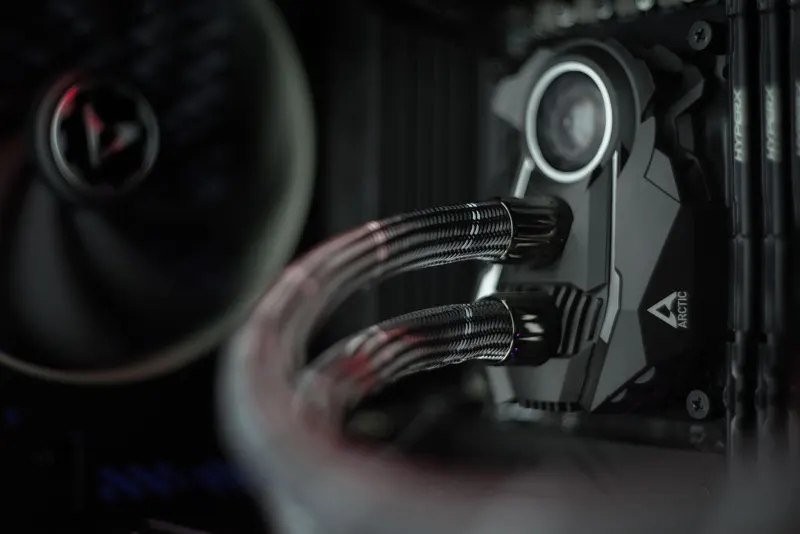
Managing thermal output is the single most important action you can take to protect your hardware. Heat is the greatest stressor to a personal computer, steadily degrading the performance of every single internal component over time. Ensuring adequate airflow by properly installing fans and regularly cleaning accumulated dust out of the computer case will significantly help system longevity. Monitoring software such as HWiNFO allows users to track system temperatures closely. If your processor rises above sixty degrees Celsius under normal loads, or exceeds eighty degrees during intensive tasks, investigating potential cooling improvements is strongly advised. Keep in mind that exact temperature thresholds can vary based on the specific processor model, so following manufacturer recommendations remains best practice.
When temperatures run consistently high, replacing the thermal paste on your CPU is a smart precaution. Thermal paste can easily last for five years or more, but it eventually loses effectiveness at regulating heat transfer. Additionally, overclocking your processor by increasing its speed beyond manufacturer recommendations can reduce its lifespan, though safely executed overclocking usually still leaves the chip functioning until it becomes obsolete. Aside from normal aging and excessive heat, power surges and faulty power supplies represent major threats to your hardware. Although rare, electrical damage is far more likely to destroy a processor than the chip simply going bad with age. Pinpointing a failing part can sometimes require a professional technician, but with basic maintenance, your CPU will easily outlast its functional relevance.





Comments