
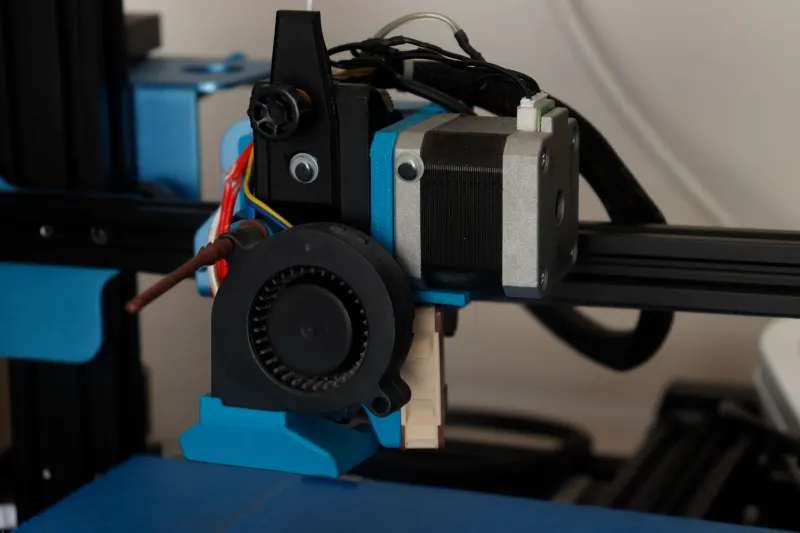
Finding a reliable 3D printer that requires minimal troubleshooting has long been a challenge for newcomers entering the hobby. After spending a full year testing multiple machines and racking up 6,770 hours of total print time across four different printers—including printing 40,000 whistles for ICE whistleblowers—one specific model emerges as the top recommendation: the Bambu Lab P2S Combo.
Currently on sale for $649 through December 1st before returning to its standard price of $749, the fully enclosed, auto-loading touchscreen printer streamlines the entire additive manufacturing process. While critics debate the open-source politics surrounding Bambu Lab or point to cheaper rivals like the $369 Elegoo Centauri Carbon 2 Combo and the $509 Bambu P1S Combo, the P2S delivers a level of durability, automated convenience, and low maintenance that sets it apart from the competition.
Key takeaways
- The Bambu Lab P2S Combo is priced at $649 on sale through December 1st, up from its regular $749 price.
- Testing involved 1,692 hours of printing on the P2S and a total of 40,000 whistles produced across multiple devices.
- The printer features an automated material system, a 5-inch touchscreen, and a built-in camera for remote monitoring.
- Alternative models like the Elegoo Centauri Carbon 2 lack enclosed, airtight filament storage to prevent moisture damage.
The Advantage of Enclosed Multi-Material Systems
Manual loading and unloading of filament traditionally turns 3D printing into a tedious chore. Automated material systems remove this barrier by allowing users to keep multiple rolls of filament loaded inside a protected enclosure for weeks or months at a time without fearing moisture absorption. While budget-friendly rivals like the Elegoo Centauri Carbon series print household items and whistles quite well out of the box, their external filament placement leaves spools vulnerable to humidity, causing the plastic to turn brittle and jam tubes or nozzles.
Furthermore, long-term testing revealed that the Elegoo models required more complex troubleshooting when parts wore down, such as diagnosing worn plastic extruder gears or dealing with a nozzle crash that required manually reseating fragile internal connectors. By comparison, the P2S managed a much smoother operational life, requiring only routine maintenance like washing magnetic print beds, lubricating rods, and occasionally swapping out the nozzle.
Refined Hardware and Easier Maintenance
Several small design improvements separate the P2S from older workhorses like the Bambu P1P and P1S. Swapping out a jammed hotend on the P2S requires nothing more than yanking a gasket and opening a single spring clip, allowing an $18 replacement to be installed in under a minute without wrenching off a traditional hot nozzle. Additional quality-of-life upgrades include a built-in placement guide for the magnetic build plate, active ventilation for printing materials like PLA without opening doors, a smoother ramped floor for clearing debris, and a better-lit internal camera.
Even though desktop 3D printers still demand occasional upkeep and high-quality filament rather than functioning as simple inkjet appliances, the P2S represents the most thoroughly baked and user-friendly entry point for consumers entering the space today.





Comments