
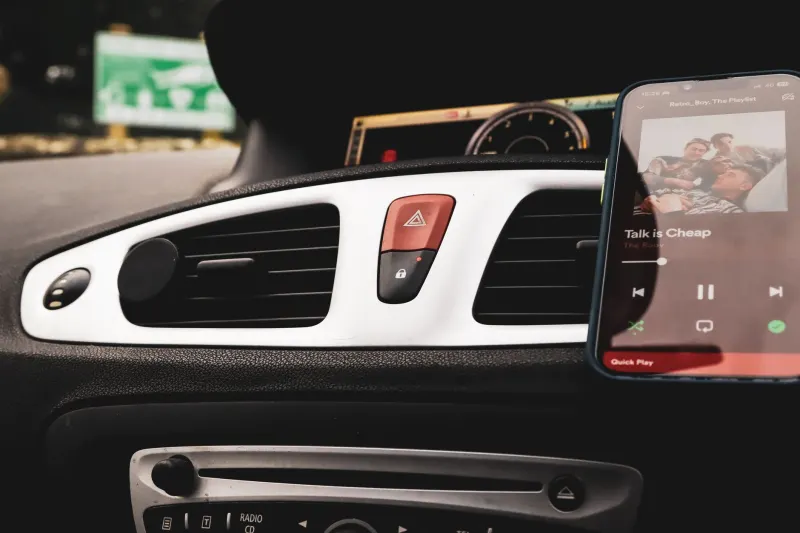
Apple CarPlay has transformed how drivers interact with their vehicle dashboards, extending far beyond basic navigation and audio playback. While most users rely on the platform primarily for Apple Maps, Spotify, Waze, and phone calls, the system includes a variety of underrated capabilities that most drivers never try. From managing in-car music collaboration to fueling up, ordering food, and reserving parking directly from the dashboard, several powerful features are worth exploring in any CarPlay-compatible vehicle.
Key takeaways
- Passengers can control music playback in the car using the SharePlay feature available since iOS 17.
- Drivers can use third-party AI assistants like ChatGPT and Gemini alongside Siri AI on supported systems.
- Users can pay for gas at compatible stations like Chevron and Texaco directly from the car screen.
- Apps like SpotHero and EasyPark allow drivers to find and pay for parking spots before arriving.
Collaboration and Voice Control Enhancements
Music disputes during road trips or group drives are easily solved using the SharePlay feature introduced in iOS 17. When a driver plays audio through Apple Music via CarPlay, nearby passengers receive a notification to join the session or can scan a QR code revealed from the Now Playing screen. Only the driver needs an active Apple Music subscription, and Android users can even jump in via a browser with Bluetooth turned on. Voice capabilities have also expanded significantly across recent software iterations. While older versions relied strictly on a limited Siri, newer updates supporting Siri AI provide better contextual answers for getting directions to an address someone sent or playing a suggested song. Furthermore, Apple now allows third-party AI assistant apps such as ChatGPT and Gemini to mirror their phone apps on the CarPlay Home Screen. These AI apps are voice-only and cannot be typed into or set as the default voice assistant triggered by the car steering wheel button, but they provide helpful alternative options for drivers.
Transactions and Daily Errands on the Dashboard
CarPlay also streamlines everyday stops, including fueling up and picking up food or parking. Drivers can pay for gas without taking out a wallet or tapping a physical card reader by using compatible gas station apps such as Chevron and Texaco in the US. Setup requires downloading the mobile app, creating an account, and establishing a payment method beforehand. Similarly, food chains like Dunkin, Panera, and Domino's offer CarPlay integration for re-ordering favorites or selecting top choices quickly without touching a smartphone. If an installed app does not immediately appear on the car screen, users can check their iPhone settings under General and CarPlay to ensure the app is included.
Parking Management and Navigation
For city driving, parking apps like SpotHero in North America and EasyPark in Europe help locate and reserve spots near a destination, simplifying what is often the most frustrating part of a trip. SpotHero works in more than 400 cities across the US and Canada and requires setting up an account with a credit or debit card payment method on the iPhone beforehand. Because Apple does not support Apple Pay directly inside these specific parking apps, users must manage their payment methods through their mobile phone. Electric vehicle owners can similarly utilize charging station apps directly on their car display, provided they stop at a station compatible with mobile payments.






Comments