
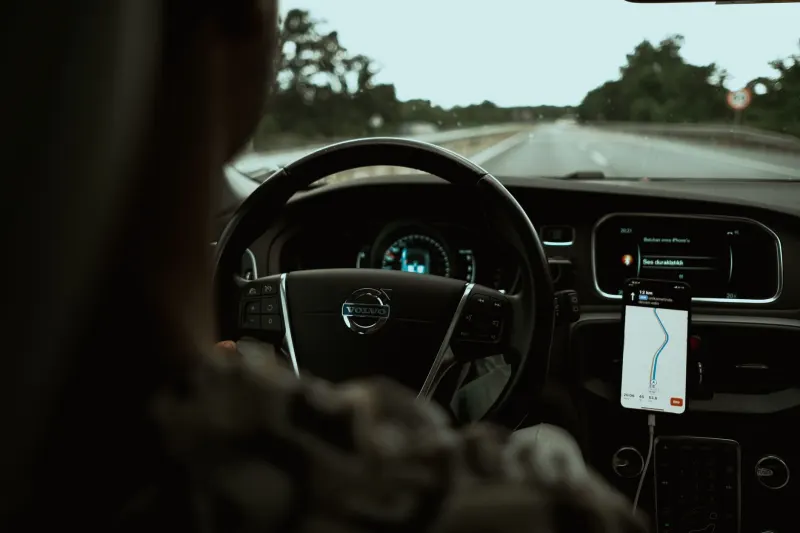
Drivers relying on third-party navigation apps through Apple's CarPlay interface have encountered frustrating visual bugs following the rollout of iOS 27. While the major operating system update introduced fresh capabilities such as watching parked videos, it simultaneously triggered widespread complaints across online forums regarding how Google Maps and Waze display turn-by-turn directions. Instead of neatly organizing the screen layout, guidance banners overlap directly onto the map interface, obscuring vital details and making driving navigation remarkably difficult.
Reports detailing this glitch have flooded online communities like Reddit, with many users initially pointing fingers at third-party developers. However, investigation reveals that the root cause stems directly from the iOS 27 software update itself. Apple utilizes a specific system template for third-party navigation tools in CarPlay, meaning apps like Google Maps and Waze cannot build custom interfaces from scratch. Instead, these platforms transmit route information to iOS, which is then responsible for rendering the upcoming turns and estimated time of arrival cards on the vehicle display.
Key takeaways
- iOS 27 introduced a bug causing navigation banners to overlap maps in Google Maps and Waze.
- The issue stems from iOS failing to correctly report the safe area to third-party applications.
- Apple engineers have acknowledged the bug on developer forums as a known issue.
- Compact multimedia units suffer more severely compared to wider vehicle screens.
The core mechanism appears to fail because CarPlay stops reporting the correct safe area to external apps after updating to iOS 27. Normally, the software should automatically shift the map center sideways when interface banners appear, but this dynamic adjustment is breaking down. A developer on Apple's Developer Forums highlighted this exact erratic behavior, prompting an Apple engineer to confirm that it is a recognized problem currently plaguing iOS 27.
The severity of the visual obstruction varies depending on the physical dimensions of the vehicle display. Wider multimedia screens provide sufficient extra space to keep routes visible despite the overlapping cards. Conversely, compact dashboard units take the brunt of the issue, rendering third-party navigation practically unusable in smaller cars. Because the problem originates within the operating system architecture rather than the applications, routine troubleshooting steps like reinstalling Google Maps, updating Waze, or re-pairing the iPhone to the car fail to resolve the glitch.
Workarounds remain sparse while awaiting an official patch from Apple, which has already pushed the first iOS 27.3 developer beta without fully eradicating the flaw. Users can attempt to navigate to the CarPlay display settings and toggle off Smart Display Zoom, a temporary adjustment that shrinks banners on select vehicle units. Until an official software update arrives, impacted drivers are advised to rely heavily on voice guidance, utilize their standalone smartphone screens, or temporarily switch to Apple Maps, which remains unaffected due to running its own native interface.



Comments