
Why You Should Always Update Your Software (No, Really)
You've seen the notification a
hundred times: 'Update available.' And you've clicked 'Remind me later' more
times than you'd like to admit. But delaying software updates is one of the
most common — and preventable — ways people get hacked.
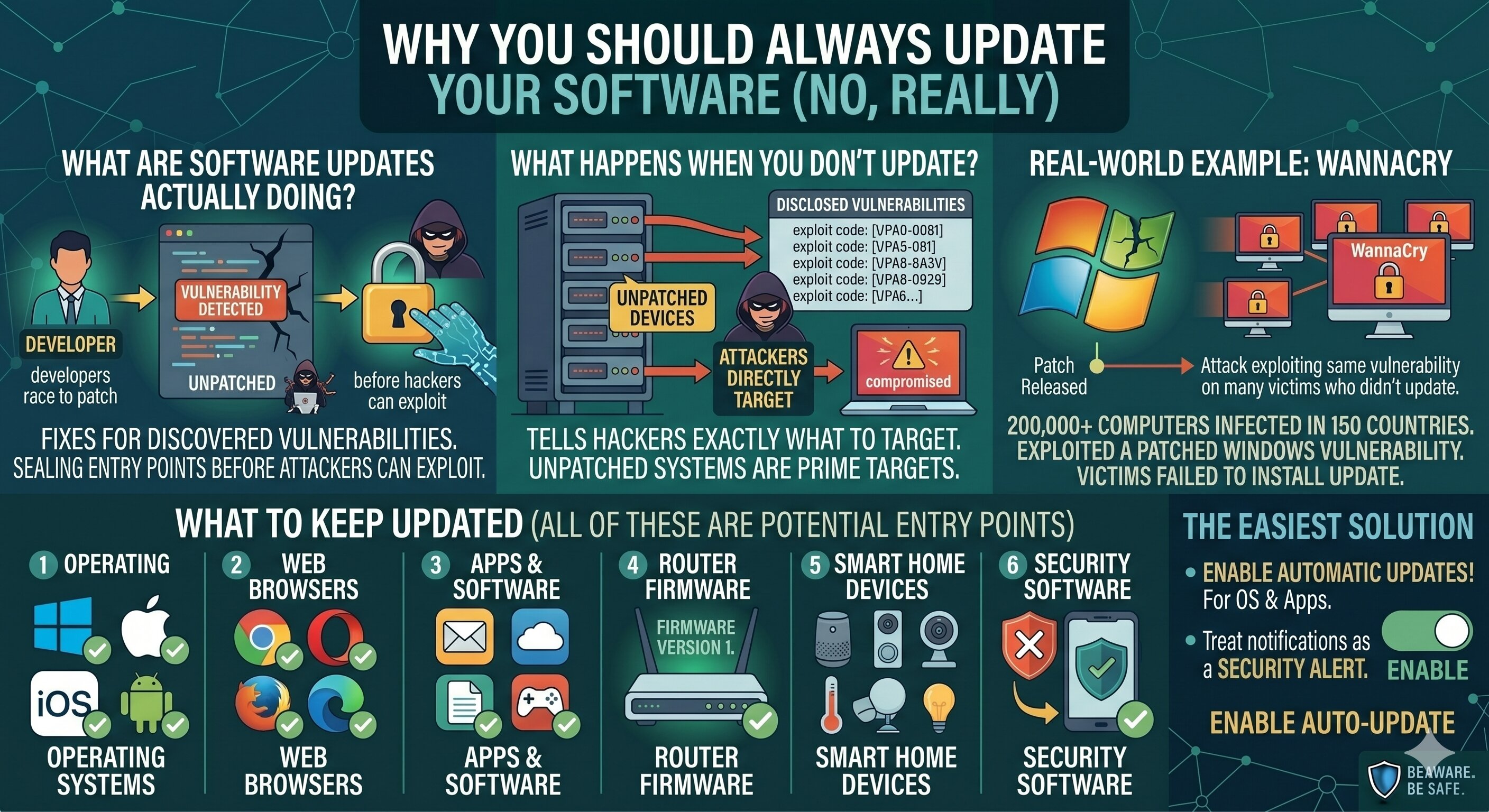
What Are Software Updates Actually Doing?
Updates aren't just adding new
features. A huge portion of every update is security patches — fixes for
vulnerabilities that have been discovered since the last release. When a
vulnerability is found, developers race to patch it before hackers can exploit
it at scale.
What Happens When You Don't Update?
When a security patch is
released, the vulnerability it fixes is often publicly disclosed. This tells
hackers exactly what to target — and they immediately go after users who
haven't installed the patch yet. Unpatched systems are prime targets.
Real-World Example
The WannaCry ransomware attack
in 2017 infected over 200,000 computers in 150 countries. It exploited a
vulnerability in Windows that had already been patched by Microsoft. Every
single victim who was affected had simply failed to install the available update.
What to Keep Updated
Operating systems (Windows,
macOS, iOS, Android). Web browsers. Apps and software. Router firmware. Smart
home devices and IoT equipment. Antivirus and security software.
All of these are potential entry
points for attackers if left outdated.
Enable Automatic Updates
The easiest solution is to turn
on automatic updates for your operating system and apps. You might occasionally
need to restart your device, but the inconvenience is trivial compared to the
risk of being hacked.
No More 'Remind Me Later'
The next time you see an update
notification, treat it as a security alert — because that's exactly what it is.
Update today, not tomorrow.





Comments