
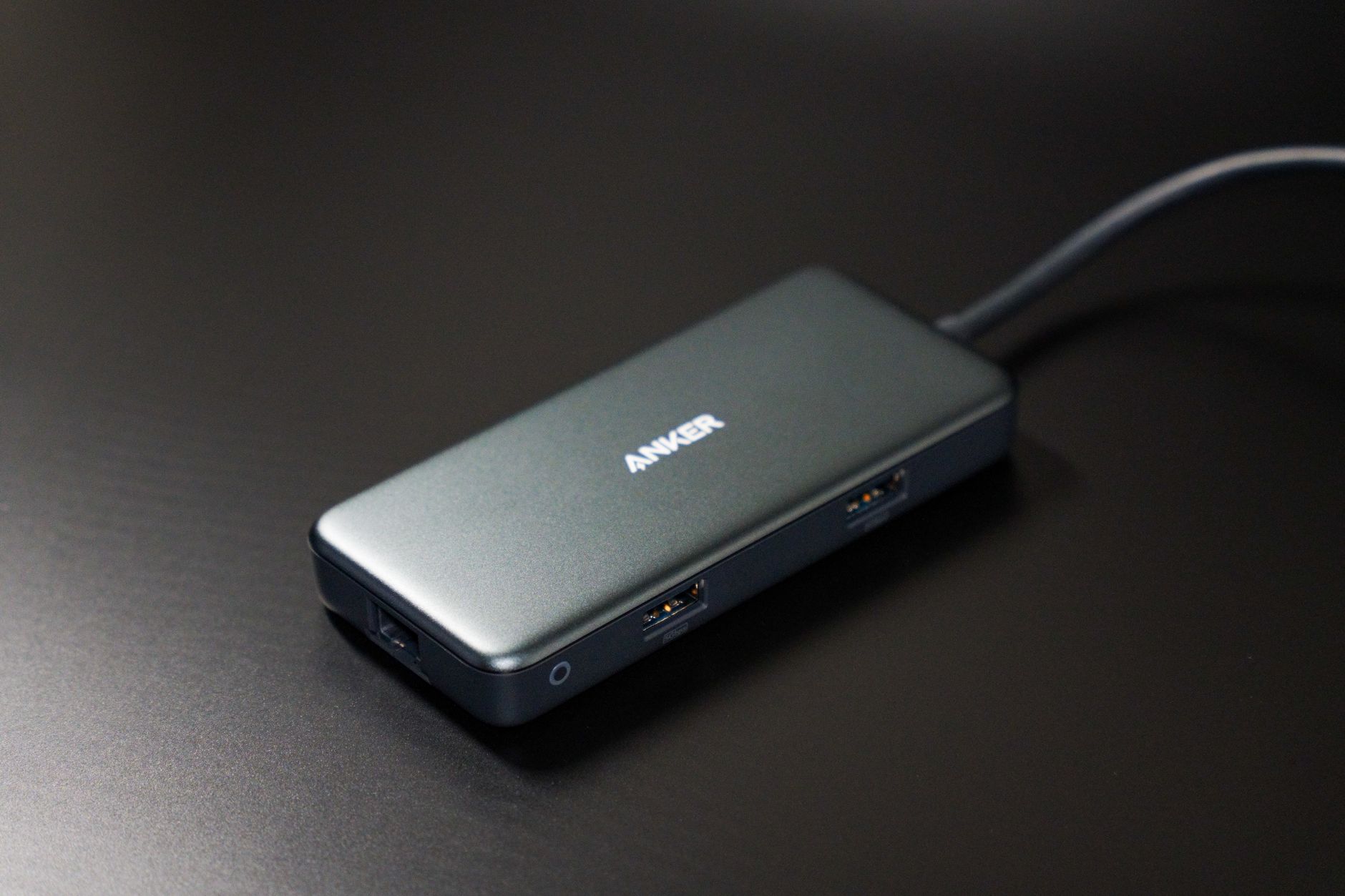
Most gamers view the USB ports on their PlayStation 5 console as simple charging docks for DualSense controllers. However, these versatile connection points support a wide array of functional hardware that can dramatically alter your gaming setup. Understanding the hardware differences between the front and rear ports, as well as the older USB 2.0 limitations versus high-speed 10 Gbps USB-C and USB-A connections, helps users optimize performance for speed-sensitive tasks.
Expanding system storage is one of the most practical applications for the console's rear ports. While running native PS5 games requires internal storage or a compatible M.2 SSD, external USB drives formatted to at least USB 3.0 speeds can effortlessly store archived game titles and media files like screenshots and video clips. Players dealing with slow home internet connections can quickly shift game titles back and forth from external drives without repeatedly downloading massive files. Alternatively, standard exFAT or FAT32 external drives can be formatted strictly for backing up system data or capturing high-resolution gameplay clips.
Beyond storage management, the console's ports serve as critical gateways for specialized gaming hardware and peripherals. Virtual reality enthusiasts rely on the front-facing high-speed USB-C port to connect the PlayStation VR2 headset. Furthermore, gamers can utilize these ports to link specialized controllers like racing wheels and fight sticks, attach wireless headset transmitters, or plug in external USB keyboards and mice for supported titles and rapid in-game text chat. Keeping an open cable connected to the front port also provides a seamless way to manually pair controllers when moving hardware between different rooms or gaming setups.





Comments