
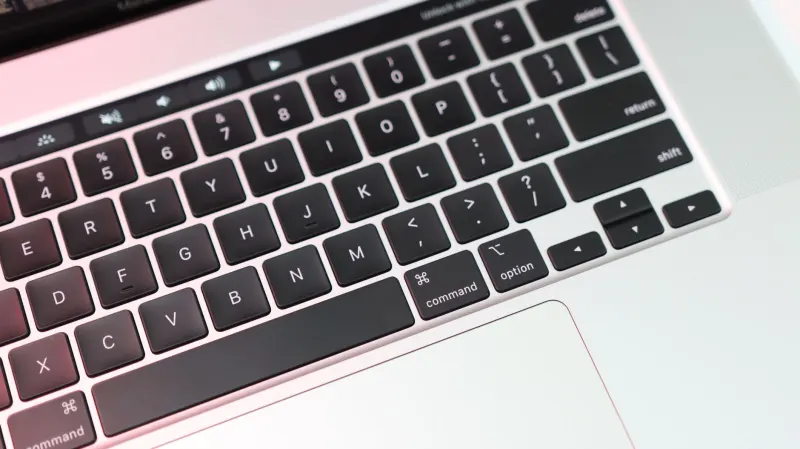
Windows users who have long suffered from the accidental activation of the Sticky Keys feature can finally breathe a sigh of relief. A recent Windows 11 Insider Beta Preview Build introduces a straightforward checkbox directly on the Sticky Keys activation dialog box, designed to permanently silence the prompt. Spotted by Neowin and corroborated by XDA-Developers, the update addresses a minor yet pervasive user interface annoyance that has persisted across Microsoft operating systems for years.
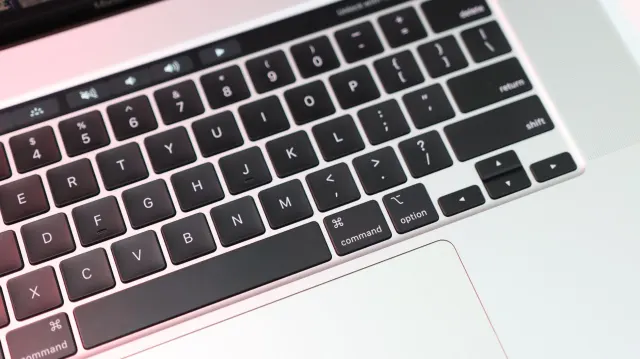
For those unfamiliar, Sticky Keys serves as a helpful accessibility function that enables users to execute multiple modifier keys for a shortcut without requiring them to hold them all down simultaneously. For instance, individuals relying on the feature can open the Task Manager by pressing Control, Shift, and Escape sequentially rather than all at once. However, the accompanying dialog box has historically appeared whenever a user pressed the Shift key five times in a row. This often happens entirely by accident, such as during intense gaming sessions or when someone is mindlessly tapping the keyboard while trying to start a sentence in a document.
Key takeaways
- Windows 11 Insider Beta Preview Builds now feature a checkbox labeled "Never turn on Sticky Keys with this shortcut."
- The update was highlighted publicly on social media by Microsoft engineer Jen Gentleman in November 2026.
- Previously, disabling the shortcut required navigating through a separate settings page via a link in the prompt.
- The change arrives alongside other quality-of-life improvements detailed by Microsoft VP of Windows Experiences Navjot Virk.
How the new shortcut removal works
Prior to this update, turning off the Shift-key shortcut for Sticky Keys required clicking an embedded link inside the warning pop-up itself. That link redirected users to a separate settings page containing a toggle switch to disable the feature. While not overly complex, the multi-step process added unnecessary friction to daily computer usage. The newly added checkbox, explicitly labeled “Never turn on Sticky Keys with this shortcut,” allows users to bypass the settings menu entirely and eliminate the interruption straight from the pop-up notification.
Microsoft engineer Jen Gentleman showcased the update in a November post on social media, confirming that developers are actively targeting the removal of the prompt directly from the pop-up interface. This quality-of-life adjustment eliminates a minor time thief that has long added to the cumulative frustration of navigating clunky operating system design elements.
Broader quality-of-life updates for Windows 11
This UI tweak follows a broader push by Microsoft to address minor system grievances. In October, Microsoft VP of Windows Experiences Navjot Virk published an extensive blog post outlining various upcoming operating system improvements. Those updates included fixing the Windows Settings search functionality so that queries for terms like power, sleep, and battery settings actually yield accurate and immediate results.
Additionally, Virk detailed the rollout of semantic search capabilities for the Photos application, enabling users to search for specific people and objects across images stored locally on PCs, OneDrive storage, or connected smartphones. While eliminating the Sticky Keys pop-up may not carry the same weight as returning long-requested features like the ability to relocate the Windows taskbar, it demonstrates a concentrated effort to refine the everyday desktop experience.


Comments