
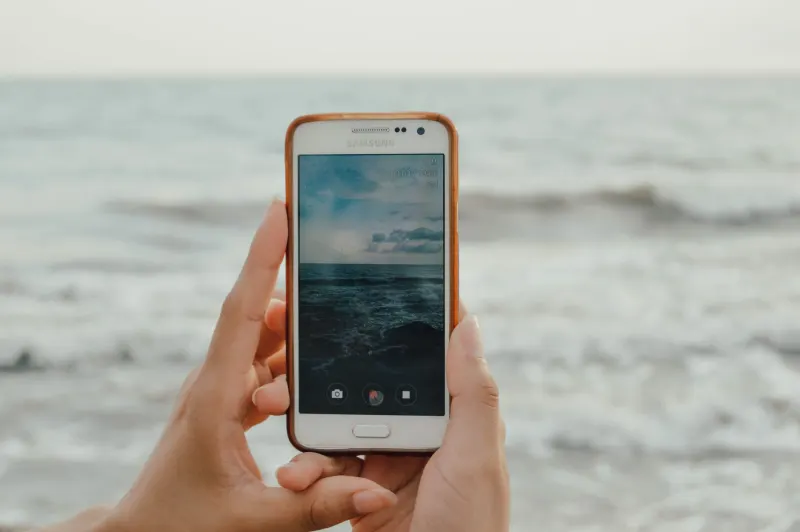
Samsung Galaxy owners can now back up their precious photos and videos directly to a Google account using the native Samsung Gallery app. This development arrives a short time after Samsung ended the Gallery app's previous integration with Microsoft OneDrive back in September. In the past, users who preferred utilizing Google storage were required to rely entirely on the standalone Google Photos application instead of their device's default Gallery software.
With this new update, consumers can stick exclusively to Samsung's Gallery app if they choose to manage their media libraries that way. The feature allows photos and videos to sync straight to your Google account, bridging a long-standing gap between Samsung's proprietary interface and Google's cloud storage ecosystem. However, users should note that this new Gallery sync functionality will draw directly from their existing Google account storage allocation.
Key takeaways
- Samsung Gallery now supports direct syncing to Google accounts for media backups.
- The update follows the termination of Gallery's Microsoft OneDrive integration in September.
- The feature is currently rolling out to select Galaxy devices running One UI 9.
- Users can clear local device storage while retaining thumbnail previews via a new Free up space option.
Availability and Cross-Device Synchronization
At present, this newly introduced feature is restricted to select Galaxy devices running One UI 9, which serves as Samsung's latest custom Android user interface. The phonemaker has confirmed that the capability will continue to roll out to a broader range of hardware devices in subsequent phases. To enable the synchronization feature on compatible hardware, users simply need to tap the Cloud icon directly within the Gallery app or navigate into the Gallery Settings menu and switch on the toggle for syncing photos and videos.
Because the feature ties directly into your Google account, it also enables a seamless cross-device viewing experience. If you own multiple Samsung Galaxy devices, you can access your synced media by logging into the exact same account on your secondary device and enabling the sync setting there. Once activated, you will be able to see previews of your synced photos and videos on that second device. If you ever need to access the original files, you can easily select and download them directly to the hardware.
Managing Storage Space and Local Files
For users looking to reclaim physical storage on their tablets and smartphones, Samsung has also introduced a complementary tool alongside the sync feature. A new Free up space option is available within the Sync photos and videos settings menu, which allows individuals to safely delete original media files from their local device after they have already been successfully uploaded to Google storage. Even after local deletion, thumbnail previews remain visible inside the Gallery app for easy browsing.
It is important to remember that utilizing this Gallery sync capability consumes storage space on your Google account. Every default Google account comes equipped with 5GB of free storage, which can be expanded to 15GB by verifying a valid phone number. Because this cloud storage is shared across various Google services, anyone requiring additional capacity will need to purchase a Google One subscription. Pricing starts at $2 per month for 100GB of storage space, or $3 per month for a 200GB tier.




Comments