
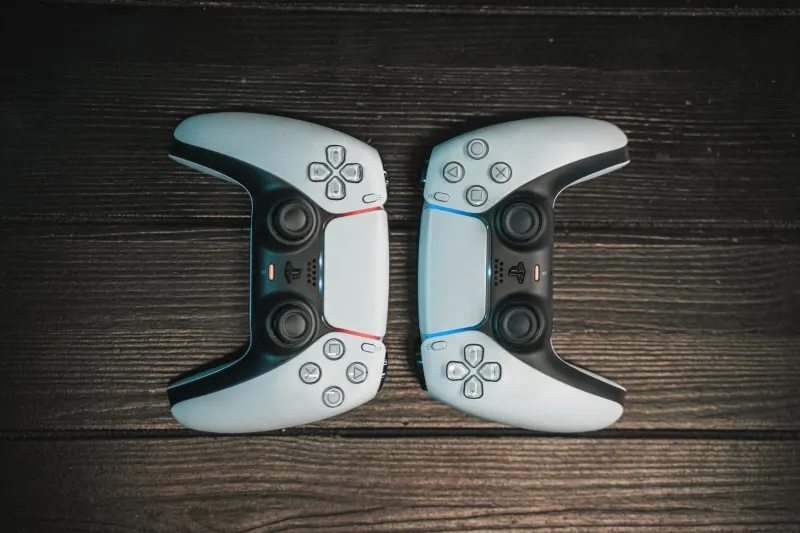
Owners of the Nintendo Switch 2 can unlock hidden performance tweaks and convenience options by diving deep into the console's settings menus. While the hardware serves as a direct refinement of the original system with larger Joy-Con 2 controllers and a familiar operating system layout, it introduces several unique software features designed to streamline daily usage, manage hardware longevity, and ease media sharing. Navigating these built-in menus can significantly improve your gaming experience and protect your investment over time.
Key takeaways
- Use the Controllers menu to vibrate and play a sound to locate misplaced Joy-Con 2 units.
- Enable battery protection limits to stop charging around 80 to 90 percent for long-term health.
- Remap button layouts at the system level and save up to five custom profiles per controller.
- Lend digital titles to family group members for up to two weeks using virtual game cards.
Tracking controllers and preserving battery health
Misplacing controllers happens easily between couch cushions or under blankets, but the Switch 2 includes a tracking tool to solve this exact issue. By accessing the Controllers page on the main menu and choosing Search for Controllers, users can hold the L or R button or press the touchscreen to make compatible paired controllers vibrate and play an audible sound. This feature requires the hardware to be in range, powered on, and paired directly to that specific console. It will not locate original Switch controllers, dead units, or hardware paired to other systems.
Battery preservation is another vital addition for players who leave their console docked continuously. Located under Settings and System, owners can toggle a feature titled Stop Charging Around 80-90% to prevent lithium-ion batteries from wearing down prematurely from sitting at full capacity. Users can also enable an exact battery percentage display next to this option instead of relying on a general status icon. For performance improvements in older titles, handheld mode boost settings help original Nintendo Switch software run with TV-mode graphics and performance when undocked, though this consumes more battery power and disables touchscreen inputs.
Customizing controls and sharing digital titles
Customization extends to physical inputs through system-level button remapping found under Settings and Accessibility. Players can edit controller mappings to swap inputs, move hard-to-reach buttons, or disable the C button to prevent accidental activation during GameChat. Up to five custom profiles can be saved per controller as presets. Additionally, digital game sharing is supported via virtual game cards, allowing owners to lend titles to nearby Nintendo family group members for up to two weeks, with a limit of three simultaneous loans and one checked-out game per borrower.
To reduce software slowdowns and speed up navigation, single-user systems can skip the profile selection screen entirely by going to Settings and Users. Furthermore, sharing screenshots and video clips is faster using automatic uploads, which sends up to 100 items held for 30 days to the Nintendo Switch mobile app after enabling the feature in the Gallery settings.



Comments