
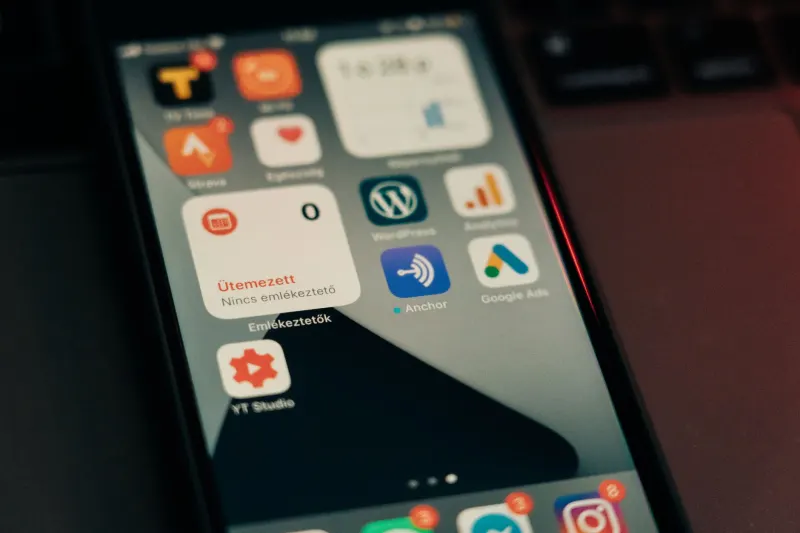
Google has started rolling out a new beta feature called Create My Widget for Pixel phones, bringing generative AI customization to mobile home screens. Part of Android's Gemini Intelligence suite, the capability allows users to prompt the system to generate custom home screen widgets for various personal tasks, movie quotes, and interactive shortcuts. While the feature delivers plenty of novelty and lighthearted fun, it also reveals distinct functional boundaries when users attempt to handle complex real-time data tasks.
Announced initially at Google I/O in the spring, the tool aims to redefine how users interact with their device interfaces. Testing the feature on a Pixel 11 Pro reveals an interface that can turn casual ideas into functional home screen additions within seconds. For instance, a user can easily prompt the system to display a different quote from the original Jurassic Park film every hour, with a tap opening a corresponding Reddit thread. Another casual use case involves a weather-based widget that outputs a humorous phrase whenever it begins to rain. These lightweight applications require minimal effort to set up, taking about twenty seconds to build, and provide instant personalization.
Key takeaways
- Create My Widget is an AI-powered beta feature currently rolling out to Google Pixel phones.
- Users can generate custom widgets using templates or text prompts for quotes, habit tracking, and countdowns.
- Many custom widgets function primarily as prompt shortcuts that trigger Gemini to fetch search or calendar results.
- Real-time data requests, such as live local bus arrivals, currently fall short of user expectations.
Exploring practical limits and templates
Beyond pure entertainment, the widget creation interface suggests practical categories like habit trackers and recipe ideas. Attempting to build a mental health walk tracker demonstrates how the underlying architecture works in practice. Rather than a fully interactive mini-app, the resulting tile acts as a trigger for Gemini to log walks directly into a calendar or generate a secondary checklist to mark off completed days.
Under the hood, many of these custom creations operate as simplified prompt shortcuts rather than true standalone software. Tapping a widget typically summons the Gemini interface on the home screen, which then pulls data from Google search results or generates text responses based on structured templates. This architecture supports reliable functions like holiday countdowns, sports scores, and daily three-ingredient cocktail recipes pulled directly from search.
Where the AI widget approach falls short
However, this template-driven approach struggles with hyper-local or real-time utility, such as tracking live bus arrivals near a specific neighborhood stop. Instead of showing precise minute-by-minute countdown clocks for public transit, the AI often returns general schedule information and text-based frequency summaries.
Despite these functional limitations and the absence of true custom mini-apps, the experimental feature offers smartphone owners a playful way to customize their daily interfaces. Users can have a good time brewing up custom tiles as long as expectations remain grounded in what prompt shortcuts can reliably deliver.







Comments