
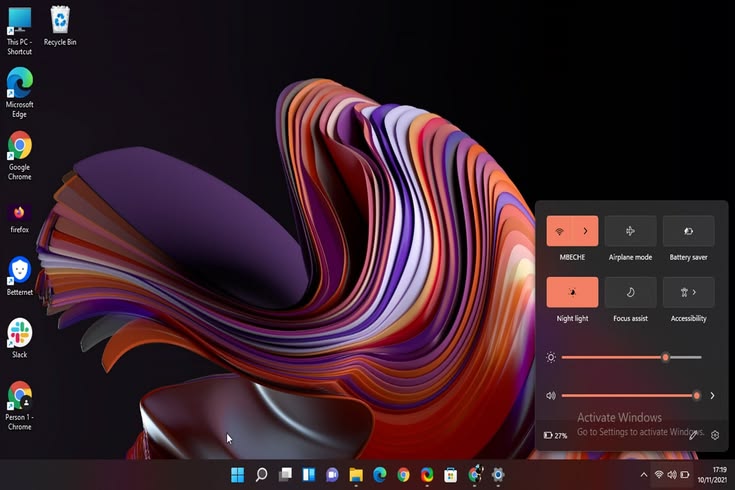
Microsoft has announced its July 2026 update for Windows 11, delivering one of the most feature-rich monthly releases in recent months. The update introduces Point-in-Time Restore, redesigned Widgets, File Explorer enhancements, accessibility improvements, Bluetooth stability upgrades, and several quality-of-life features aimed at improving both productivity and system reliability. While security fixes remain a core part of the release, Microsoft has also focused on making everyday interactions with Windows smoother and more user-friendly.
The headline feature is Point-in-Time Restore, a new recovery capability that allows users to roll their PC back to an earlier system state if an update, driver, or software installation causes problems. Unlike traditional recovery methods, the feature is designed to simplify troubleshooting by providing an easier way to restore system stability without affecting personal files. This addition is expected to reduce downtime for both home users and businesses managing multiple Windows devices.
Microsoft has also redesigned the Widgets experience. Instead of presenting a cluttered feed, the updated interface emphasizes cleaner layouts and more relevant information, reducing distractions while making it easier for users to access weather updates, calendars, news, and productivity tools. The redesign aligns with Microsoft's broader effort to create a less intrusive desktop experience.
File Explorer receives several usability improvements as well. Microsoft has optimized performance to make browsing folders and managing files faster, while introducing refinements to the address bar and file renaming process. These seemingly small improvements can significantly enhance productivity for users who work extensively with documents, media files, and development projects.
Accessibility continues to be a major priority in Windows 11. The update introduces a new Screen Tint feature designed to reduce eye strain during prolonged computer use. Users can customize screen appearance to improve visual comfort, particularly when working for extended periods or in low-light environments. Microsoft has also improved the Magnifier tool by providing finer zoom controls, making the operating system more accessible for users with visual impairments.
Bluetooth connectivity has also been strengthened. The update improves compatibility and connection stability for wireless accessories, including popular headphones and earbuds. Users should experience fewer unexpected disconnects and more reliable pairing across supported devices, improving the experience for both entertainment and remote work.
Printing functionality has been refined through updates to Windows Ready Print (IPP), making it easier to configure compatible printers without installing additional drivers. This simplifies setup for home users while reducing deployment complexity in enterprise environments.
Microsoft has updated several networking and location settings to improve clarity and reliability. These refinements make configuration options easier to understand while helping users troubleshoot network-related issues more efficiently. The company has also expanded touchpad customization options, allowing laptop users to personalize gestures and navigation according to their preferences.
Integration with Phone Link continues to improve, strengthening the connection between Windows PCs and mobile devices. Enhanced voice features and communication tools make it easier for users to manage calls, messages, and notifications directly from their computers, supporting Microsoft's goal of creating a more connected ecosystem across devices.
Enterprise customers are expected to benefit from the increased system stability and recovery capabilities introduced in the update. Faster recovery options, improved Bluetooth reliability, and enhanced accessibility features help reduce IT support requirements while improving employee productivity.
Developers and power users also gain indirect advantages through the File Explorer optimizations and broader system stability improvements. Better performance when navigating large directories or working with development projects contributes to a smoother overall workflow.
Educational institutions may find the accessibility improvements especially valuable. Features like Screen Tint and enhanced Magnifier controls support students with different visual needs while making Windows more comfortable for extended learning sessions.
Microsoft has emphasized that this monthly release combines security patches with practical usability enhancements rather than introducing dramatic interface changes. The company continues refining Windows through incremental updates that improve reliability, accessibility, and day-to-day productivity without disrupting existing workflows.
With Point-in-Time Restore, redesigned Widgets, faster File Explorer performance, improved accessibility tools, stronger Bluetooth support, enhanced printer setup, refined networking options, and deeper Phone Link integration, the Windows 11 July 2026 Update represents one of Microsoft's most comprehensive operating system updates of the year. As Windows continues evolving through regular feature releases, Microsoft remains focused on delivering a more stable, accessible, and productive computing experience for users across both consumer and enterprise environments.





Comments