
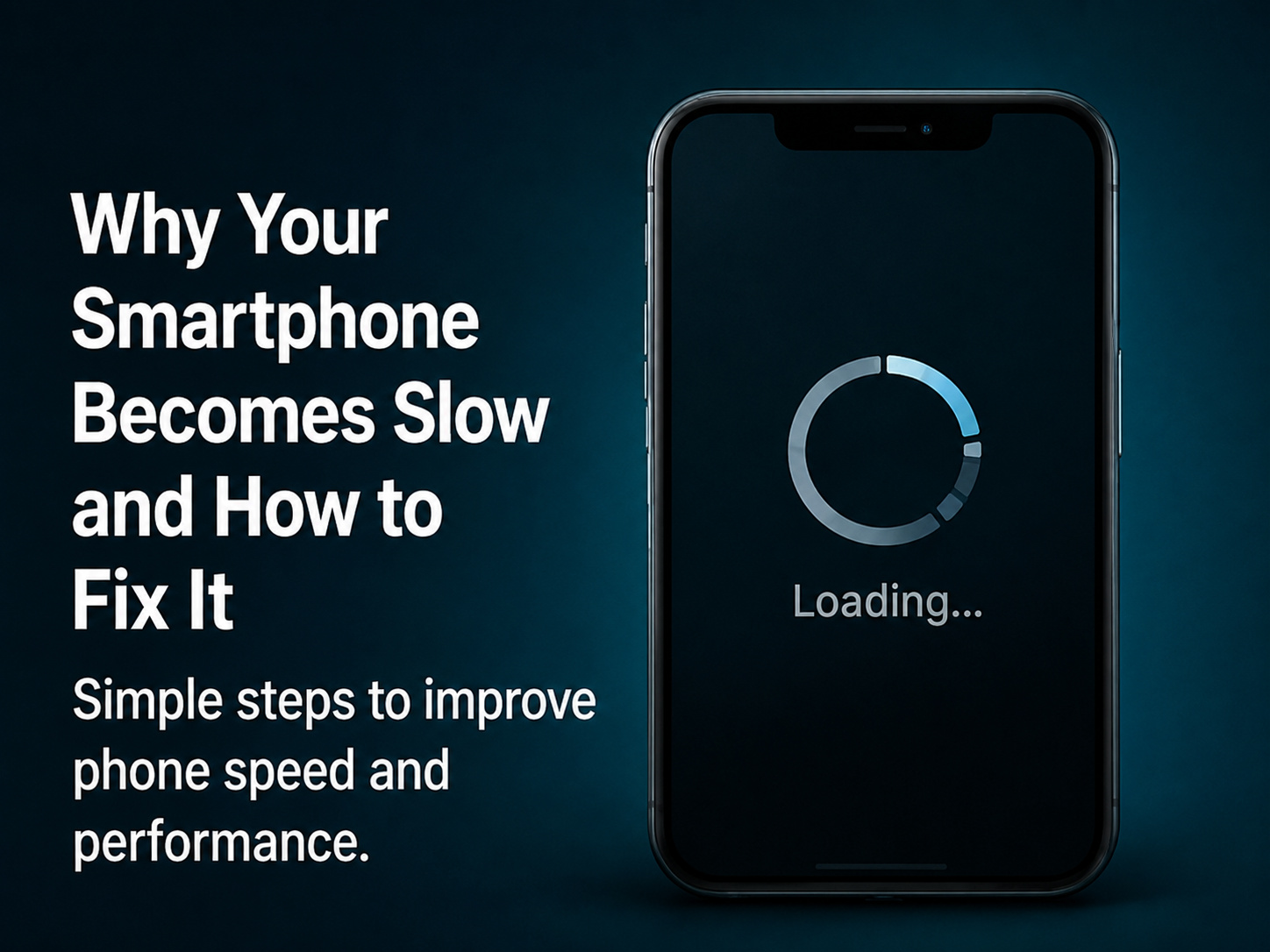
Many smartphones become slow after months or years of use. This can happen because of low storage, too many background apps, outdated software, heavy apps, cache files, or weak hardware.
The first step to improve performance is to free up storage. Delete unnecessary photos, videos, apps, and downloaded files. Clear app cache where needed. Restarting the phone regularly can also help refresh system performance.
Uninstall apps that you do not use. Some apps keep running in the background and consume memory, battery, and internet data. Keep your phone software and apps updated because updates often include bug fixes and performance improvements.
Avoid using too many live wallpapers, widgets, or heavy launchers. If your phone supports performance or battery optimization settings, use them properly. For older phones, factory reset can help, but always back up data before doing it.
If a phone is still slow after optimization, it may be because of old hardware or low RAM. In such cases, users should avoid installing heavy apps and keep the phone clean.
With regular maintenance, most smartphones can perform better and last longer.



Comments