
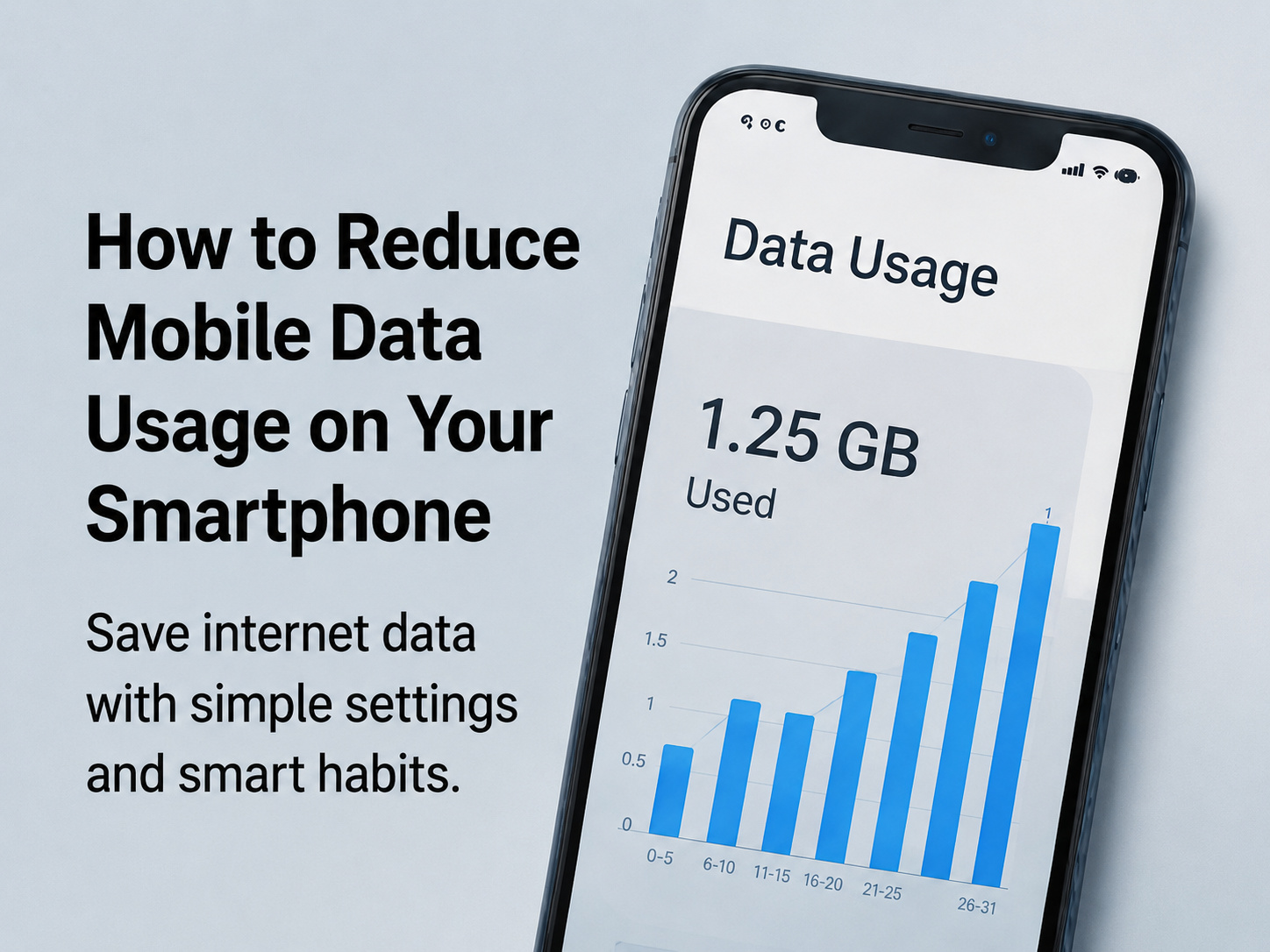
Mobile data can finish quickly if apps run in the background, videos play in high quality, or automatic updates are enabled. Users can reduce data usage by changing a few simple settings.
The first step is to check which apps use the most data. Most smartphones show data usage in settings. Turn off background data for apps that do not need constant internet access. Disable auto-downloads in messaging apps and social media apps.
Streaming videos in lower quality can save a lot of data. Music and video apps often have data-saving modes. Users should also turn off automatic app updates on mobile data and allow updates only on Wi-Fi.
Maps can be downloaded offline to save data during travel. Browsers also offer lite or data-saving modes. Cloud backups should be scheduled only on Wi-Fi.
By managing background activity, video quality, app updates, and auto-downloads, users can save mobile data and avoid unnecessary recharge costs.
Smart data usage helps users stay connected without wasting internet.





Comments