
How to Secure Your Home Wi-Fi Network in 5 Steps
Your home Wi-Fi network is the
gateway to every device in your house — your laptop, phone, smart TV, security
cameras, and more. If it's not properly secured, it's an open invitation for
hackers, freeloaders, and snoops. Here's how to lock it down in five steps.
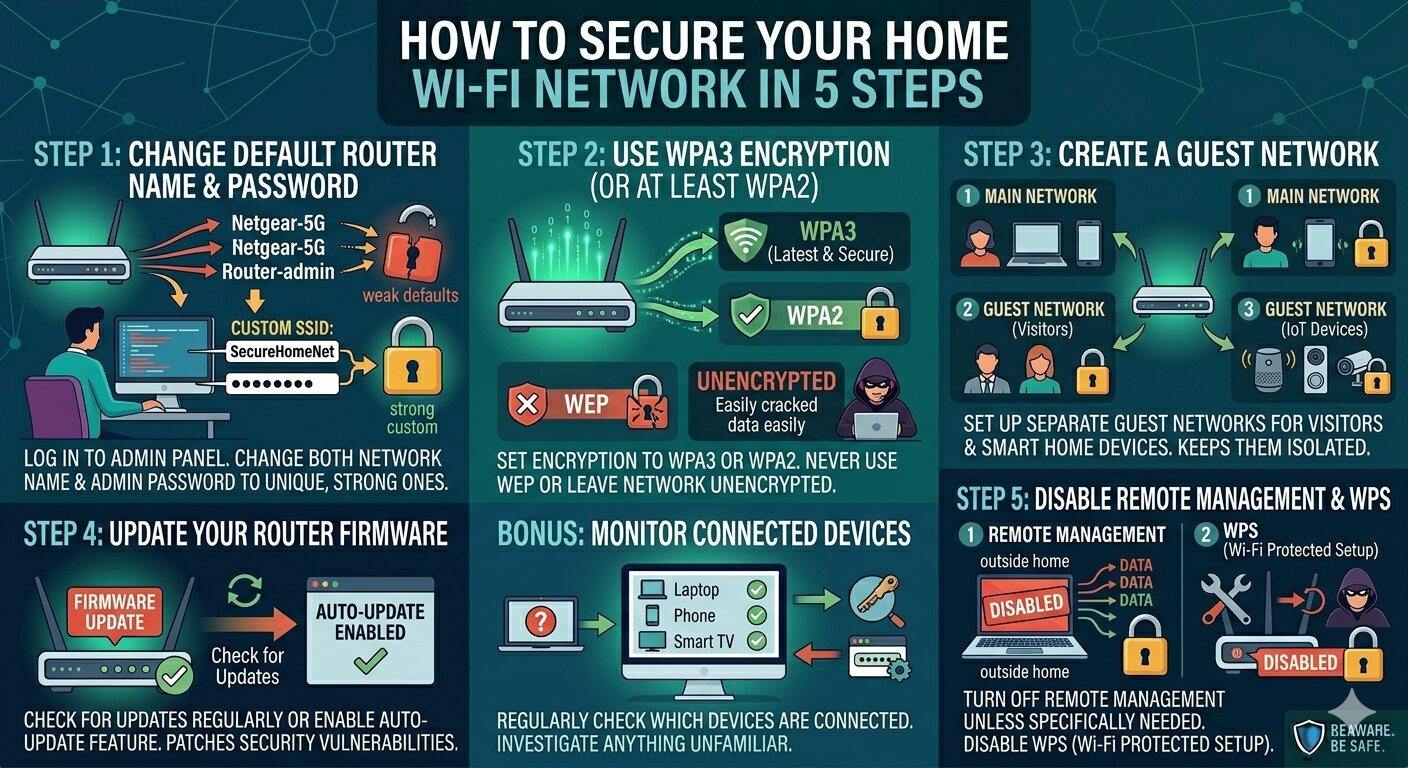
Step 1: Change the Default Router Name and Password
Most routers come with a default
name (SSID) like 'Netgear-5G' and a simple admin password. Hackers know these
defaults and exploit them constantly. Log into your router's admin panel and
change both the network name and the admin password to something strong and
unique.
Step 2: Use WPA3 Encryption (or at Least WPA2)
Your router should be set to use
WPA3 encryption — the latest and most secure standard. If your router doesn't
support WPA3, use WPA2. Never use WEP or leave your network unencrypted — these
are trivially easy to compromise.
Step 3: Create a Guest Network
Set up a separate guest Wi-Fi
network for visitors and smart home devices. This keeps them isolated from your
main network, so if one device is compromised, it can't spread to your other
devices.
Step 4: Update Your Router Firmware
Router manufacturers release
firmware updates to patch security vulnerabilities. Log into your router's
admin panel and check for updates. Many modern routers can do this
automatically — enable that feature if it's available.
Step 5: Disable Remote Management and WPS
Remote management allows access
to your router settings from outside your home — useful, but risky. Unless you
specifically need it, turn it off. Also disable WPS (Wi-Fi Protected Setup) —
it's a convenience feature with well-known security vulnerabilities.
Bonus: Monitor Connected Devices
Regularly check which devices
are connected to your network. Most router admin panels show a list. If you see
anything unfamiliar, investigate — and consider changing your Wi-Fi password.





Comments