
Public Wi-Fi: The Hidden Dangers and How to Stay Safe
Connecting to free Wi-Fi at a
coffee shop or airport feels convenient — maybe even necessary. But public
Wi-Fi networks are one of the most dangerous cybersecurity environments you'll
encounter. Here's why, and what you can do about it.
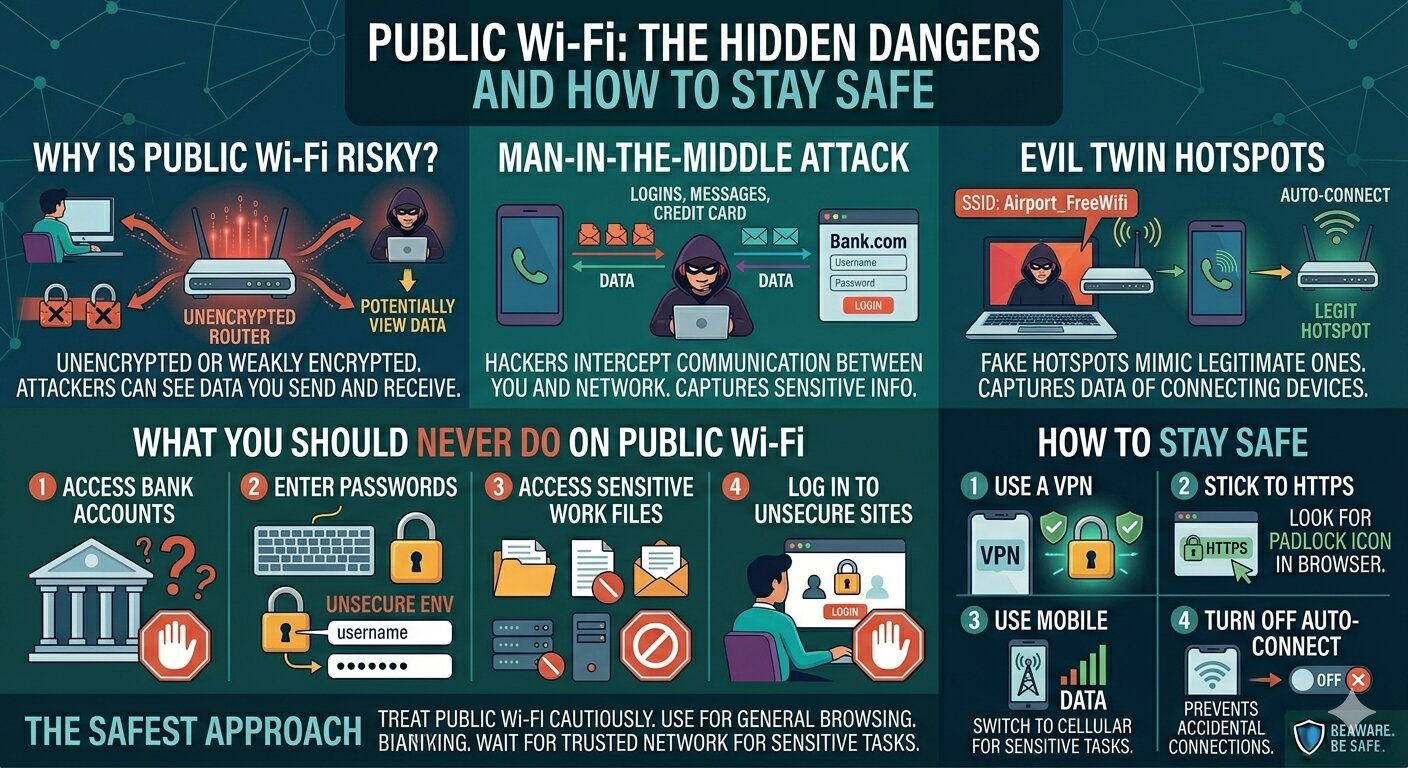
Why Is Public Wi-Fi Risky?
Public Wi-Fi networks are
usually unencrypted or weakly encrypted. This means that anyone on the same
network — including hackers — can potentially see the data you send and
receive. Even websites that use HTTPS are not always enough protection in these
environments.
The Man-in-the-Middle Attack
On public Wi-Fi, hackers can
position themselves between you and the network. Everything you send — logins,
messages, credit card numbers — passes through them first. You'd never know it
was happening.
Evil Twin Hotspots
Hackers create fake Wi-Fi
hotspots that mimic legitimate ones. 'Airport_FreeWifi' might actually be a
hacker's laptop waiting to capture your data. Once you connect, all your
traffic flows through them.
What You Should Never Do on Public Wi-Fi
Never access your bank or
financial accounts. Never enter passwords or payment information. Never access
sensitive work files or email. Avoid logging into accounts that don't support
HTTPS.
How to Stay Safe
Use a VPN (Virtual Private
Network) — it encrypts your traffic even on insecure networks. Stick to HTTPS
sites (look for the padlock icon in your browser). Use your phone's mobile data
instead of public Wi-Fi for sensitive tasks. Turn off auto-connect for Wi-Fi on
your devices.
The Safest Approach
Treat public Wi-Fi like a public
restroom — use it when necessary, but be cautious. For anything sensitive,
stick to your mobile data or wait until you're on a trusted, private network.





Comments