
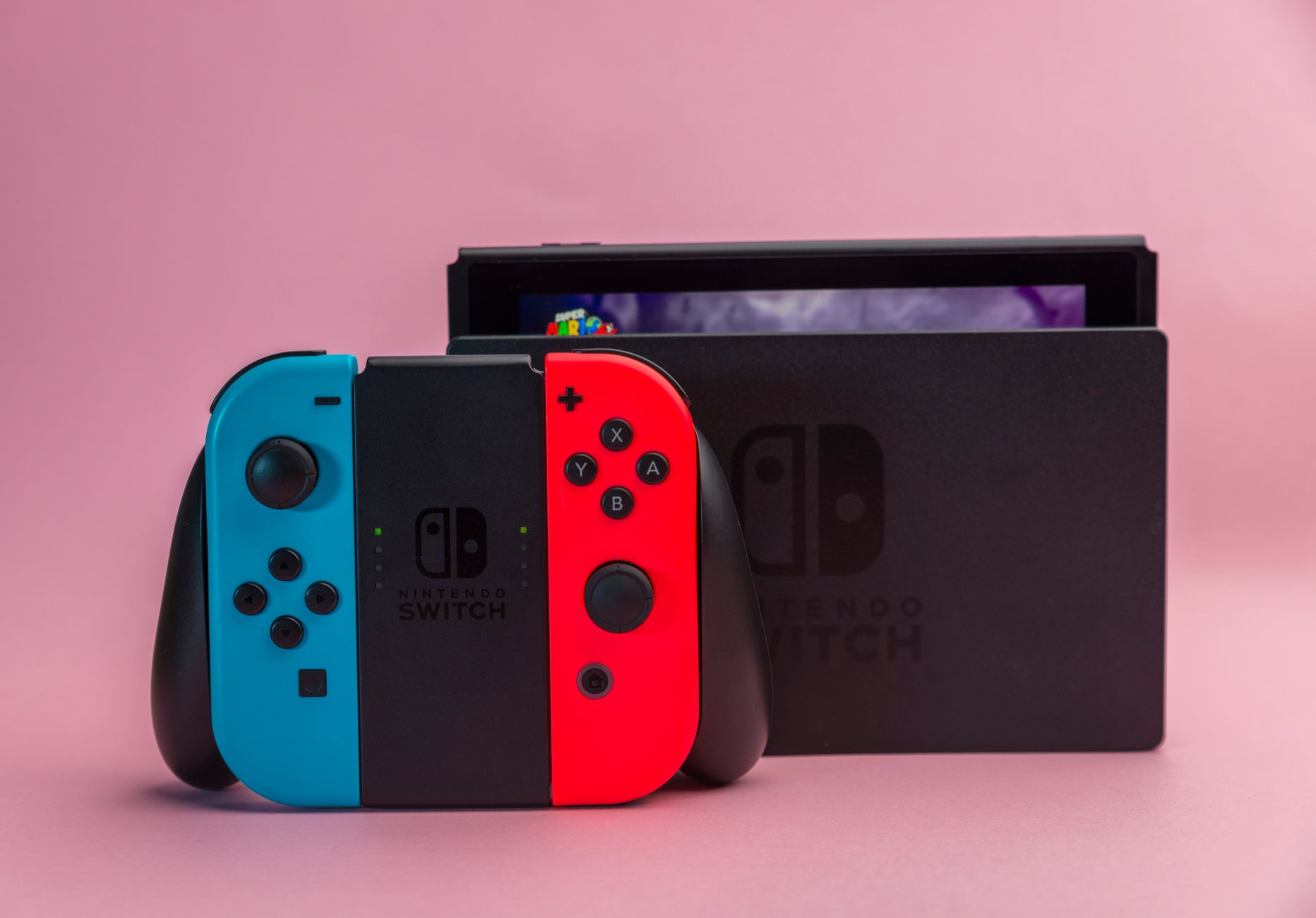
Troubleshooting a Nintendo Switch 2 that refuses to display on a television requires systematically checking power sources, HDMI hardware, and system settings. When players encounter a frustrating black screen or an unresponsive console, several key steps can resolve the issue before reaching out to official customer support.
Start the troubleshooting process by completely powering off the television and disconnecting all cables from the Switch 2 dock. Unplug the AC adapter from both the dock and the wall outlet, remove the handheld console, and keep everything disconnected for roughly 30 seconds. The dock features three ports behind its removable panel, with the top port dedicated to AC power. When reconnecting, ensure the AC adapter is securely plugged in and receiving adequate power from a functional wall outlet. Notably, the Switch 2 requires more power than the original generation console, demanding an adapter that delivers a minimum of 54W to maintain a continuous TV connection.
Next, examine the HDMI connection using an Ultra High Speed dual-end HDMI cable plugged into the HDMI-out port on the dock and an HDMI-in port on the television. The Switch 2 ships with a UHS HDMI cable supporting 48Gbps bandwidth and HDMI 2.1 connections, which are necessary for optimal performance. First-generation Nintendo Switch cables or lower-speed alternatives will not work properly. Users should also check their television picture and advanced settings to ensure features like Auto Low Latency Mode, gaming mode, or HDMI Ultra HD Deep Color are enabled for the active port.
If connection problems persist, inspect the handheld console itself by removing it from the dock and verifying that it runs the latest software update through the system settings menu. Players can also adjust display configurations by modifying the TV resolution setting to automatic or matching the specific output of their display. Anyone still facing hardware failure after testing alternative cables, different ports, or separate televisions should contact Nintendo support for potential mail-in repairs.


Comments