
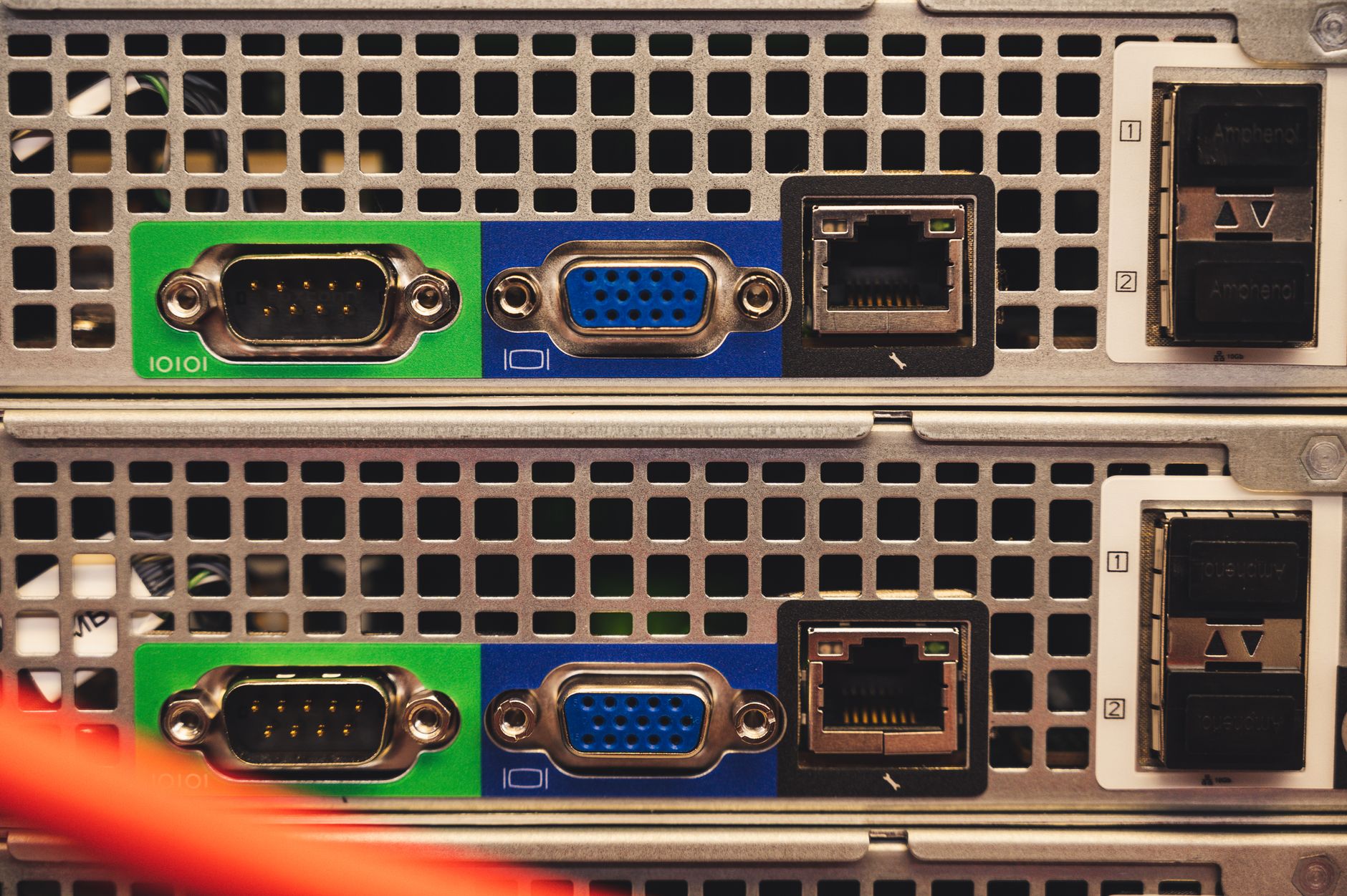
Staring at the front panel of a Netgear router often feels like trying to read Morse code. With a constellation of glowing and blinking LEDs shifting between white, amber, and blue, understanding what your hardware is trying to communicate can be genuinely confusing. Yet, these status indicators serve as the primary diagnostic tool when your home network runs into trouble.
The power LED remains the most critical baseline indicator, tracking firmware status and power delivery. A solid green or white light means the device is ready to go, whereas a blinking white and amber pattern indicates the router is stuck in access point mode. Meanwhile, the internet LED uses a circled icon to show whether your modem connection is active, and the dedicated Wi-Fi light confirms whether wireless radios are actively transmitting traffic across the home.
Beyond the core indicators, specific lights demand attention depending on your hardware setup. Modern Netgear routers feature distinct LEDs for 2.4GHz, 5GHz, and 6GHz bands, alongside numbered Ethernet port lights that shift color based on connection speed. For owners of Netgear Orbi mesh systems, the minimalist design relies on a single front light to denote satellite connection strength, ranging from a strong solid blue to a warning magenta color, while the rear light manages power and firmware updates.





Comments