
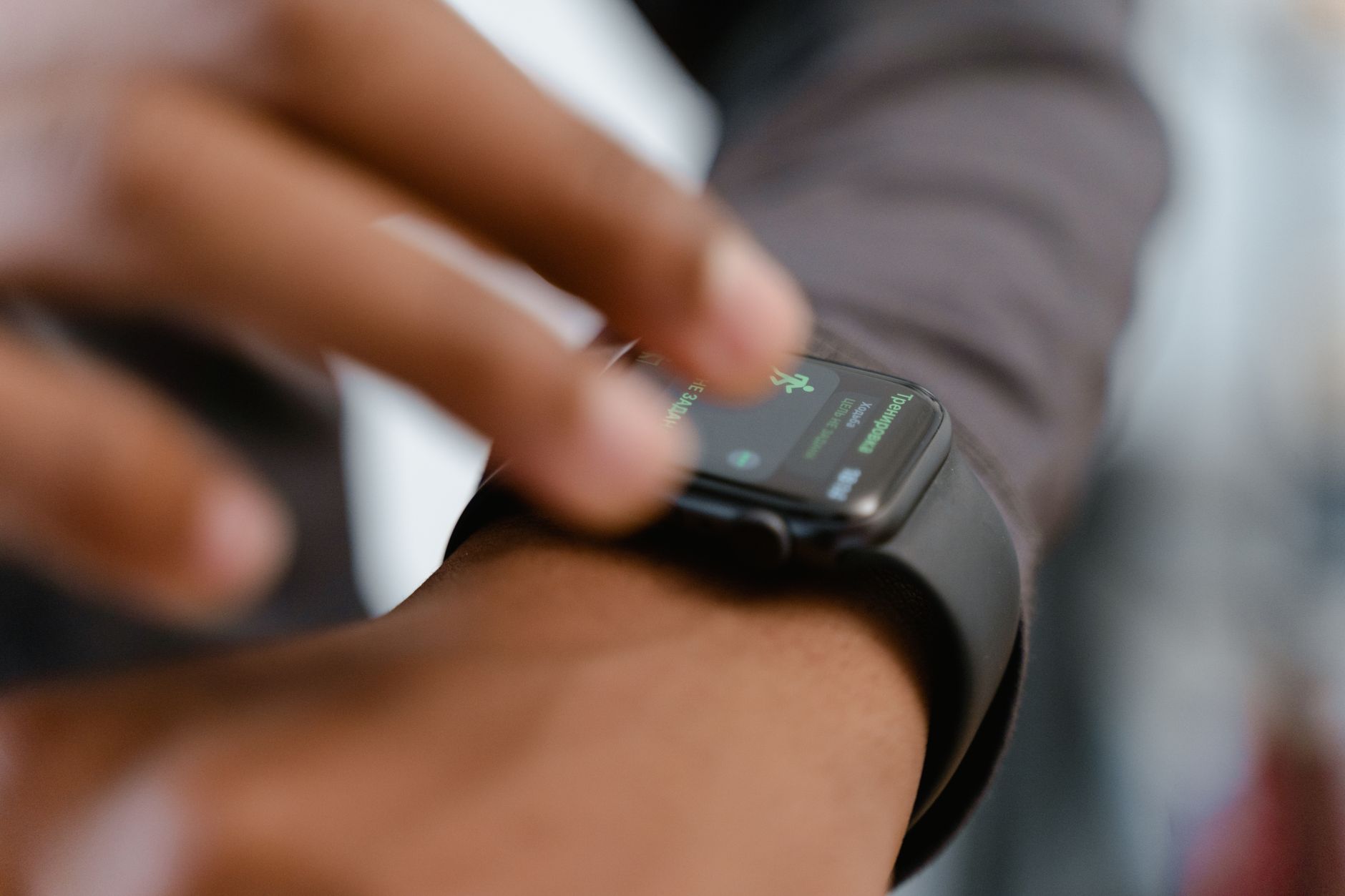
When Apple introduced the rugged $800 smartwatch tier, it brought several distinct hardware upgrades over standard models, including extended battery life reaching up to 50 hours, enhanced GPS accuracy, and satellite features tailored for wilderness survival. Yet, one of the most practical physical additions remains the high-visibility orange action button situated next to the speaker grille. While standard Apple Watch owners must navigate multiple menus and complications to launch daily routines, Ultra users can map this single hardware control to bypass menus entirely.
Out of the box, the action button handles straightforward tasks like firing up the flashlight, recording a voice memo, launching translations, or identifying nearby music via integrated audio intelligence. For athletes and outdoor enthusiasts, the button offers deeper utility. Users can configure it to instantly start specific workouts, log stopwatch laps, or trigger dive modes. Advanced navigation options like dropping compass waypoints and initiating Backtrack routes are similarly accessible with a single press, allowing hikers to easily retrace their steps or locate where they parked their vehicle.
Beyond standard fitness applications, the most versatile configurations involve Apple's accessibility features and custom shortcuts. By tying the hardware button to the iPhone Shortcuts app, a single press can execute complex multi-step automations. This capability allows users to trigger smart home ecosystems, adjusting thermostats and lights simultaneously. With modern software upgrades enabling natural language shortcut generation on paired iPhones, configuring these complex hardware triggers has become notably more straightforward for daily wearers.




Comments