
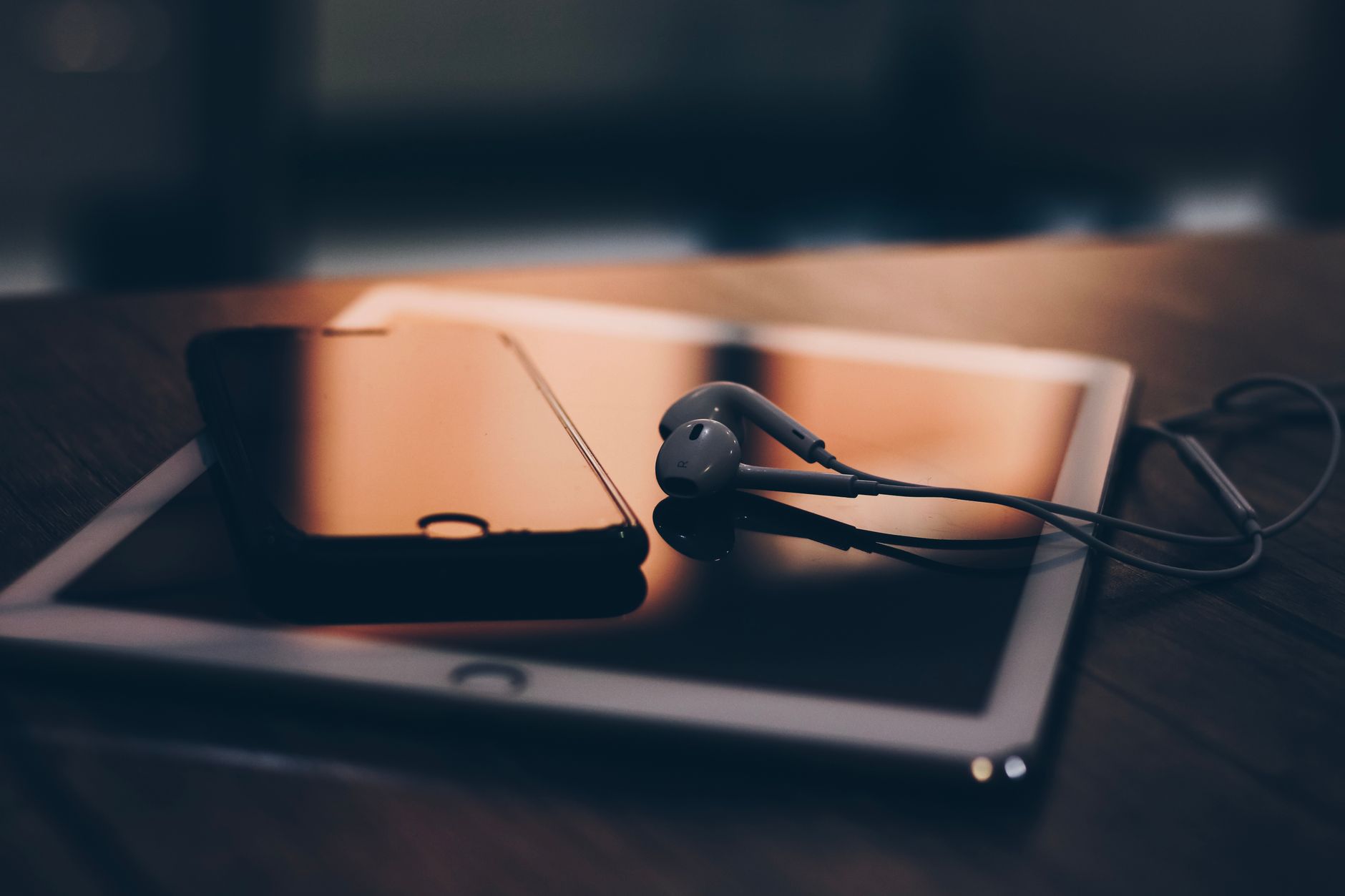
Achieving pristine sound quality on an Android smartphone requires looking far beyond simply buying a great pair of headphones. Digital audio relies on a complex chain of processing, converting sound waves into code and back again. Understanding how Android manages this signal helps listeners extract every ounce of performance from their devices, whether they stream casual playlists or chase audiophile-grade fidelity.
Android routes audio from the source application through a system service called AudioFlinger and a hardware mixer before reaching playback gear. By default, the operating system resamples audio at 48kHz, automatically applying tweaks and adjustments that can alter the original signal. Audiophiles pursuing bit-perfect playback—where the output remains mathematically identical to the source file—must bypass these default behaviors. Modern Android versions support lossless USB audio routing, allowing compatible apps and hardware to communicate directly with the system's hardware abstraction layer without unwanted interference.
For those seeking the most straightforward path to high-fidelity sound, wired headphones remain superior because they bypass the data loss associated with wireless Bluetooth compression. Since most modern smartphones lack a standard 3.5mm headphone jack, listeners require a digital-to-analog converter, or DAC, to translate the USB-C digital output into an analog signal. Simple dongles or portable standalone DACs capable of high-resolution decoding at up to 32-bit and 96kHz ensure that wired headphones receive the unadulterated data stream necessary for optimal listening.




Comments