
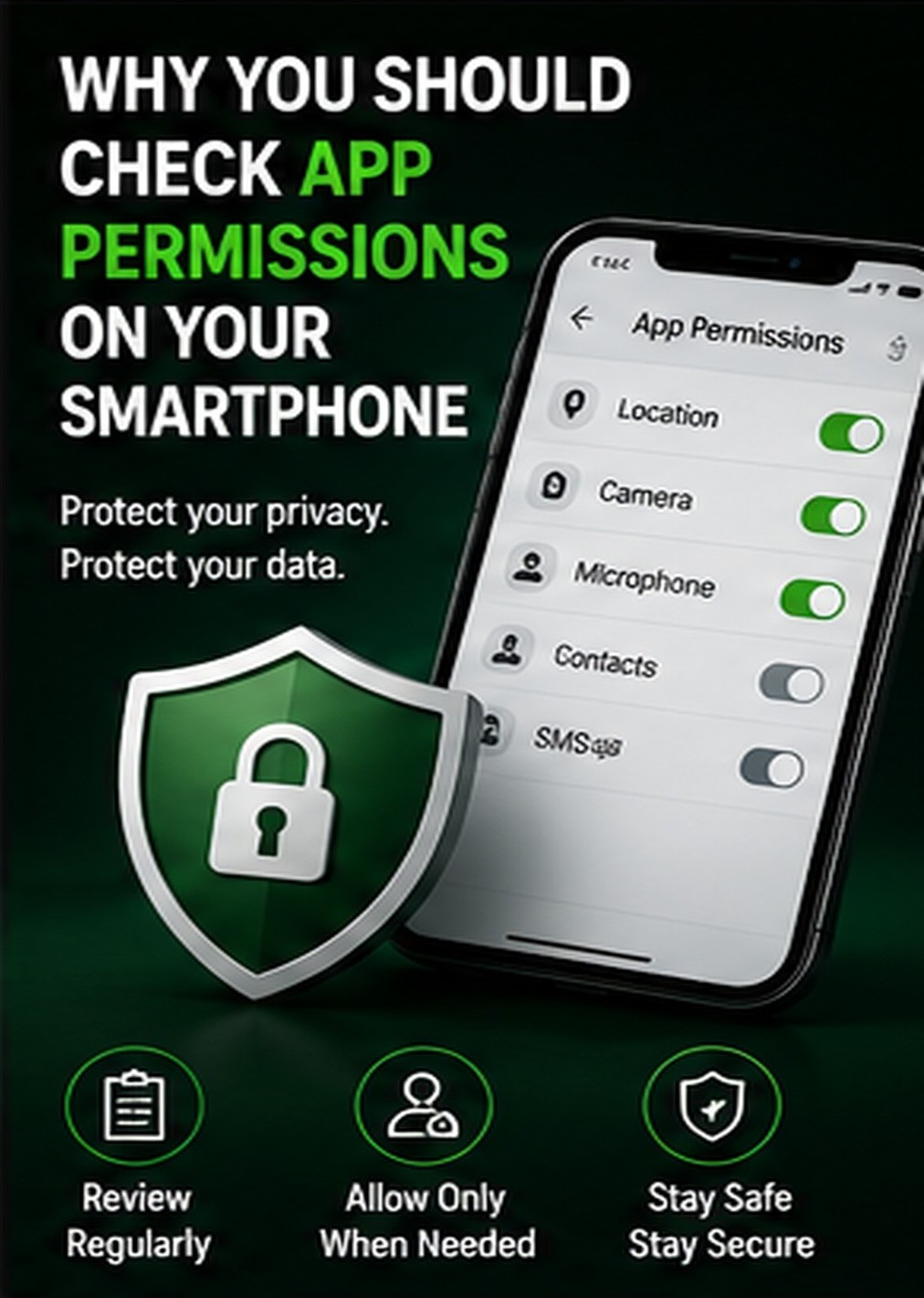
Every smartphone app asks for certain permissions to function properly. For example, a camera app may need camera access, a map app may need location access, and a messaging app may need contacts or microphone access. However, not every app needs every permission. Giving unnecessary permissions can put your privacy at risk.
Some apps may ask for access to contacts, location, camera, microphone, storage, or SMS even when those permissions are not required for the app’s main purpose. If users allow everything without checking, personal data may be collected, misused, or shared with third parties.
To stay safe, users should review app permissions regularly. Both Android and iPhone allow users to check which apps have access to sensitive features. Location access should be set to “only while using the app” wherever possible. Camera and microphone permissions should be allowed only for trusted apps.
Users should also be careful with newly installed apps. Before installing, check app reviews, developer name, download source, and required permissions. Avoid apps from unknown websites or unofficial stores.
Managing app permissions is a simple but powerful privacy habit. It helps users control their data and reduce the chances of misuse. Your smartphone contains personal information, and permission control is one of the first steps toward better digital safety.




Comments