
Modern smartphones offer access to hundreds of thousands of applications, making it essential to remain mindful of what information your software can access. Although both Android and iOS feature built-in security measures to detect and block malicious software, many standard apps still pose a privacy risk by holding excessive access to sensitive device features. An application requesting permission for your camera, location, text messages, or files does not automatically mean it is unsafe, yet users should evaluate whether those permissions align with the app's actual core functions.
Auditing your device permissions serves as an effective way to safeguard personal data, and both major mobile operating systems provide straightforward settings menus to manage access. When sensitive hardware like the microphone or camera is active, both platforms display distinct on-screen indicators, such as status bar icons or colored dots on iPhones and Android devices, allowing users to catch unauthorized activity immediately.
Apple devices running iOS handle permissions by prompting users the first time a third-party app launches. Owners can navigate to Settings, select Privacy and Security, and view a complete breakdown of every app accessing specific hardware categories like contacts, photos, or location. Users can also restrict location accuracy, limit photo library access to specific images, or utilize the App Privacy Report to monitor network activity and domain contacts.
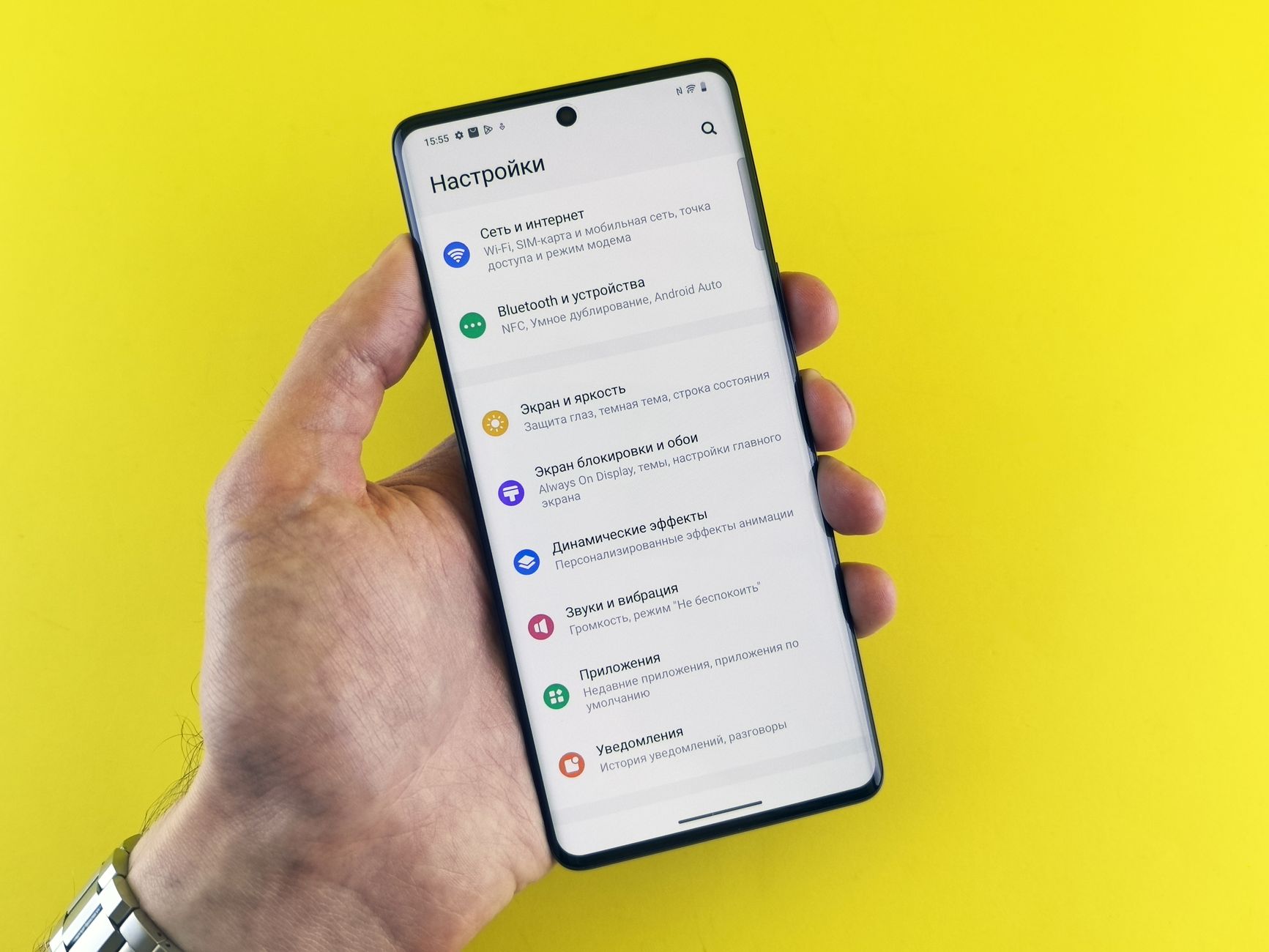
Android handles permissions similarly, allowing users to modify access on a per-app basis through the app info page or the centralized Privacy dashboard. By long-tapping an app icon or navigating through the device settings, owners can revoke permissions or adjust location settings between permanent access and restricted use. Reviewing these settings regularly ensures that personal information remains protected against unnecessary data harvesting.



Comments