
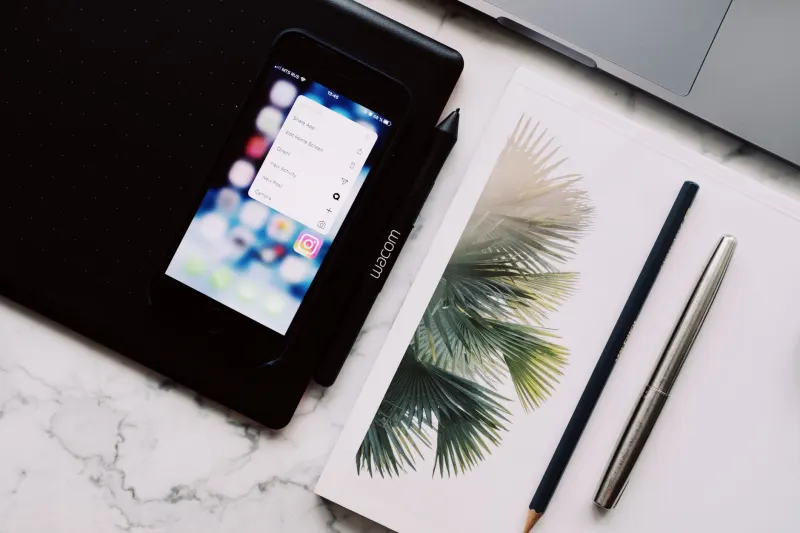
Smartphones are incredible tools for capturing screenshots, yet sorting through that digital clutter often feels like an impossible task. Apple offers a built-in solution that many users overlook in favor of third-party alternatives or endless lists. The Freeform app has been available on iPhones since 2022, providing an infinite canvas designed to help people layout visual plans, brainstorm ideas, and collaborate without adding yet another monthly fee to their budget. While it may not completely organize your entire life, the software can significantly streamline messy projects that are much easier to show than to explain.
When users open a new Freeform board, they receive a blank workspace that expands automatically as items are added. Individuals can use their finger to scribble notes, insert photos, drop in website links, or attach PDFs, dragging pieces around until a coherent structure emerges. Drawing arrows between related items helps map out complex thoughts, while zooming in and out allows for seamless navigation between granular details and the big picture. An Apple Pencil is not required for basic use, though iPhone Duo owners running iOS 27.2 or later can use the USB-C Apple Pencil variant to sketch directly onto the canvas. Furthermore, users can shoot images and links straight from the Photos app and Safari directly into a board using the Share menu, entirely bypassing the need to copy and paste.
Key takeaways
- Freeform is a free digital whiteboard app built into iPhones that features an infinite canvas for brainstorming.
- Users can organize photos, sketches, text boxes, PDFs, videos, and website links without any subscription.
- Collaboration happens in real time, allowing groups to sync boards via iCloud across iPhone, iPad, and Mac.
- The app requires compatible Apple devices and does not offer an Android version or browser-based editor.
The application shines in scenarios requiring visual coordination, such as storyboarding a video by laying out reference images for individual shots, or mapping out a DIY project complete with sketches and measurements. However, everyday tasks like basic grocery lists likely do not warrant an infinite whiteboard. Since its initial introduction with iOS 16.2, Apple has updated the software to include Dark Mode and folders in iOS 27. On compatible hardware, users can also leverage Image Playground to generate illustrations for their boards, although the Freeform app itself operates independently of mandatory Apple Intelligence features.
Collaboration is another major component of the platform, enabling groups to invite others and observe changes in real time. This capability eliminates the frustration of digging through endless message threads when planning a vacation or working on a shared project. Because boards sync via iCloud, users can easily transition from a smaller iPhone screen to the larger display of an iPad or Mac when a workspace becomes crowded. Despite these robust features, certain limitations persist. Every participant must use a compatible Apple device, maintain an Apple Account with two-factor authentication, and enable Freeform inside iCloud settings. Because there is no dedicated Android app or web browser editor, cross-platform teams might still prefer tools like Miro. For those who previously removed the utility, assuming it was unnecessary bloatware, Freeform remains available for free download in the App Store.




Comments