
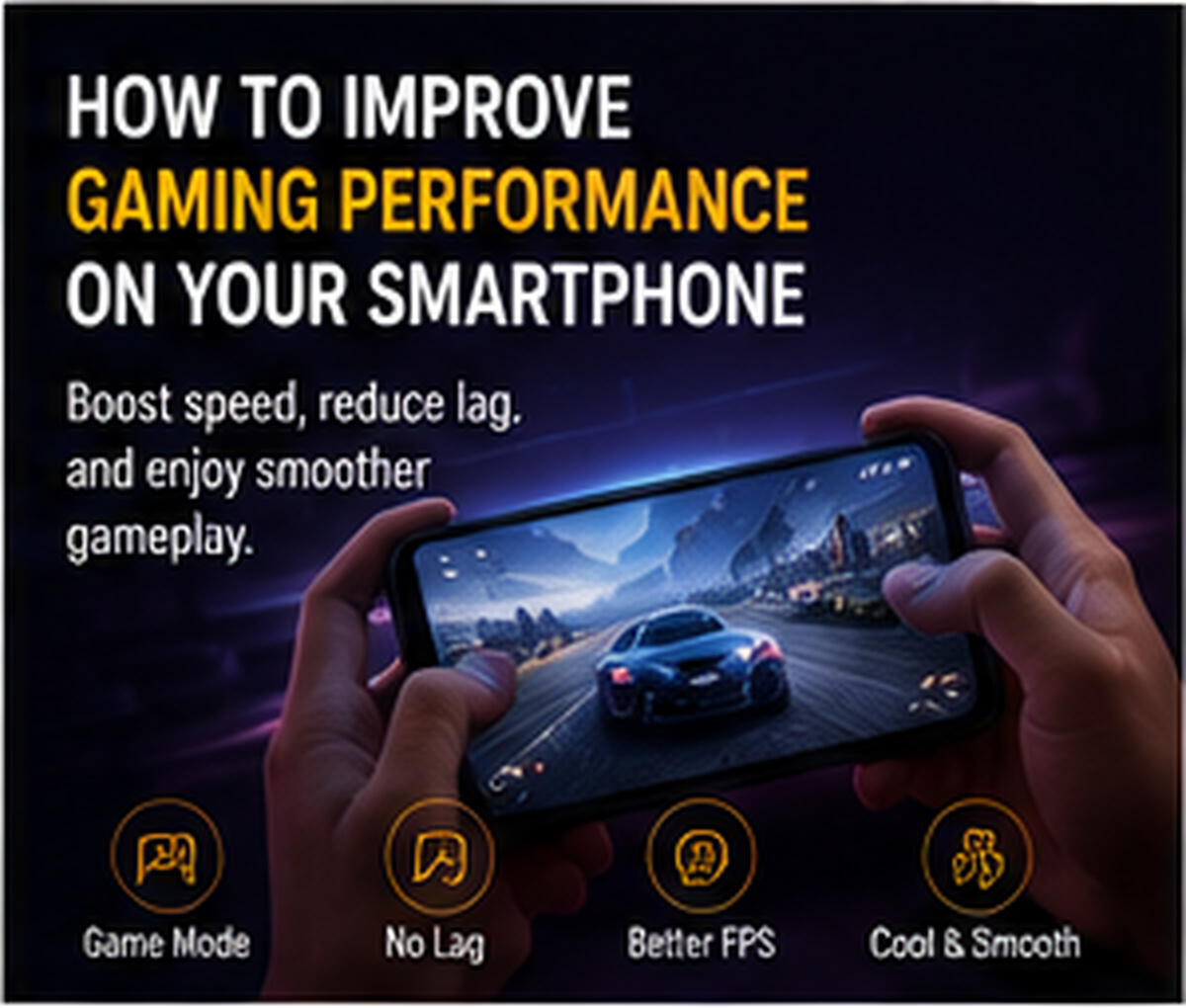
Mobile gaming has become extremely popular, but not every phone delivers smooth gaming performance automatically. Users can improve gaming experience by adjusting settings, managing background apps, and keeping the phone optimized.
The first step is to close unused apps before playing. Background apps consume RAM, processor power, and internet data, which can cause lag. Users should also keep enough storage free because low storage can slow down the phone.
Many smartphones come with game mode or performance mode. These modes can block notifications, improve touch response, manage network priority, and allocate more system resources to the game. Gamers should enable these features when playing.
Graphics settings inside games also matter. If the phone is lagging or heating, users should reduce graphics quality, frame rate, or shadow effects. A stable frame rate is better than high graphics with lag. Using a strong Wi-Fi connection or stable mobile data also improves online gaming.
Overheating can reduce performance, so avoid gaming while charging and keep the phone cool. Using quality earphones can improve sound awareness in competitive games.
With proper settings and maintenance, users can enjoy smoother gaming even on mid-range smartphones.



Comments