
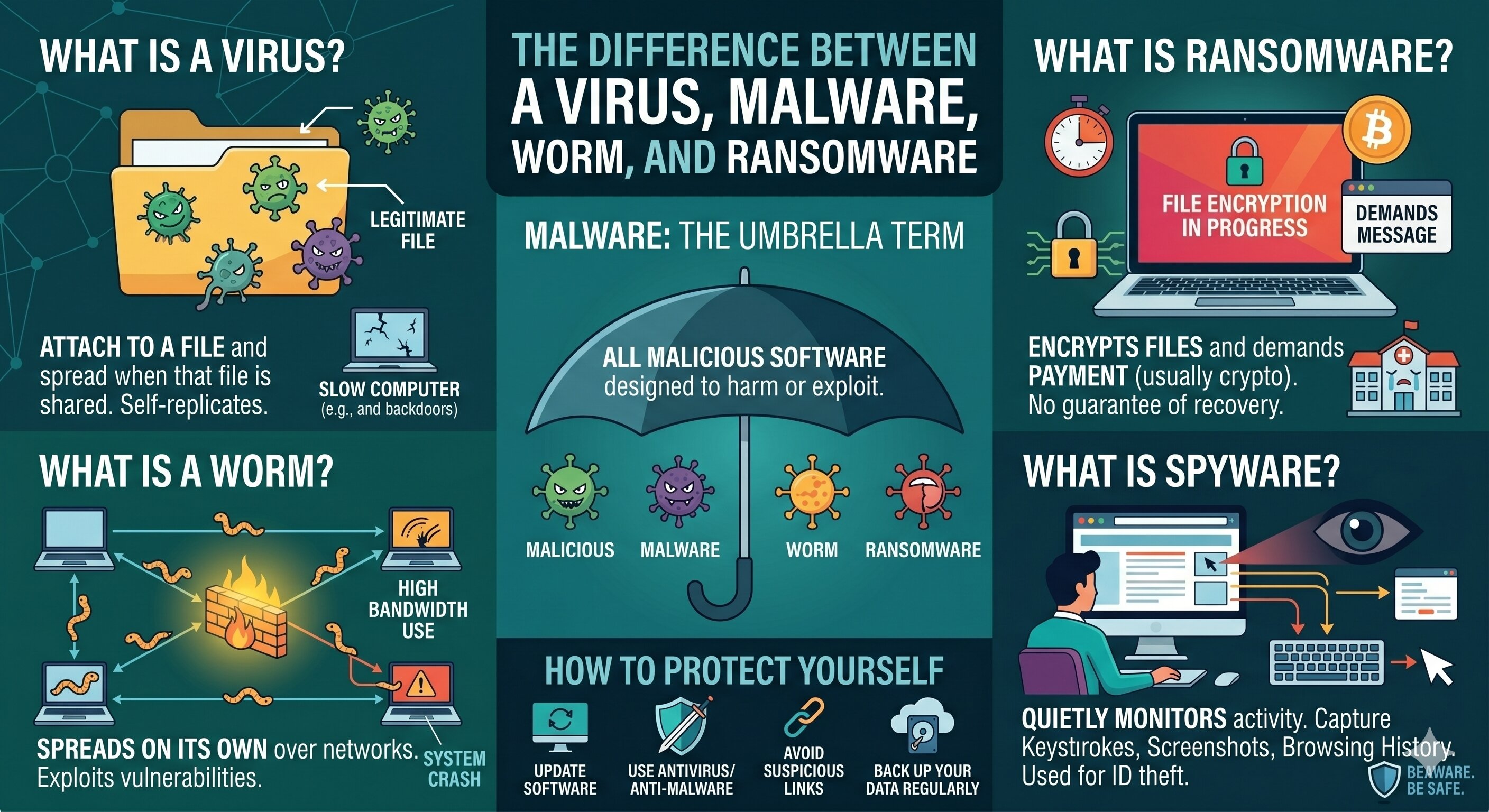
The Difference Between a Virus, Malware, and Ransomware
When people talk about cyber
threats, the terms virus, malware, and ransomware are often used
interchangeably. But they mean different things — and understanding the
difference helps you respond to threats more effectively.
What Is Malware?
Malware is the umbrella term for
all malicious software. Any program designed to harm, exploit, or gain
unauthorized access to a computer system is malware. Think of it as the
category — viruses and ransomware are types of malware.
What Is a Virus?
A computer virus is a specific
type of malware that attaches itself to legitimate files and spreads when those
files are shared or executed. Like a biological virus, it replicates itself and
can infect other programs and systems.
Viruses can corrupt files, slow
down your computer, or create backdoors for hackers. They're usually spread
through infected email attachments, USB drives, or downloads.
What Is a Worm?
A worm is similar to a virus but
doesn't need to attach to a file. It spreads on its own across networks,
exploiting security vulnerabilities. Worms can cause enormous damage by
consuming bandwidth and crashing systems.
What Is Ransomware?
Ransomware is one of the most
dangerous and fast-growing threats. It encrypts your files and demands payment
(usually in cryptocurrency) in exchange for the decryption key. Hospitals,
schools, governments, and businesses have all been crippled by ransomware
attacks.
Even if you pay the ransom,
there's no guarantee you'll get your files back.
What Is Spyware?
Spyware quietly monitors your
activities — capturing keystrokes, screenshots, and browsing history — and
sends the information to hackers. It's often used for identity theft and
corporate espionage.
How to Protect Yourself
Keep your operating system and
software updated. Use reputable antivirus and anti-malware tools. Avoid
clicking suspicious links or downloading unverified files. And most importantly
— back up your data regularly so ransomware can't hold you hostage.





Comments