
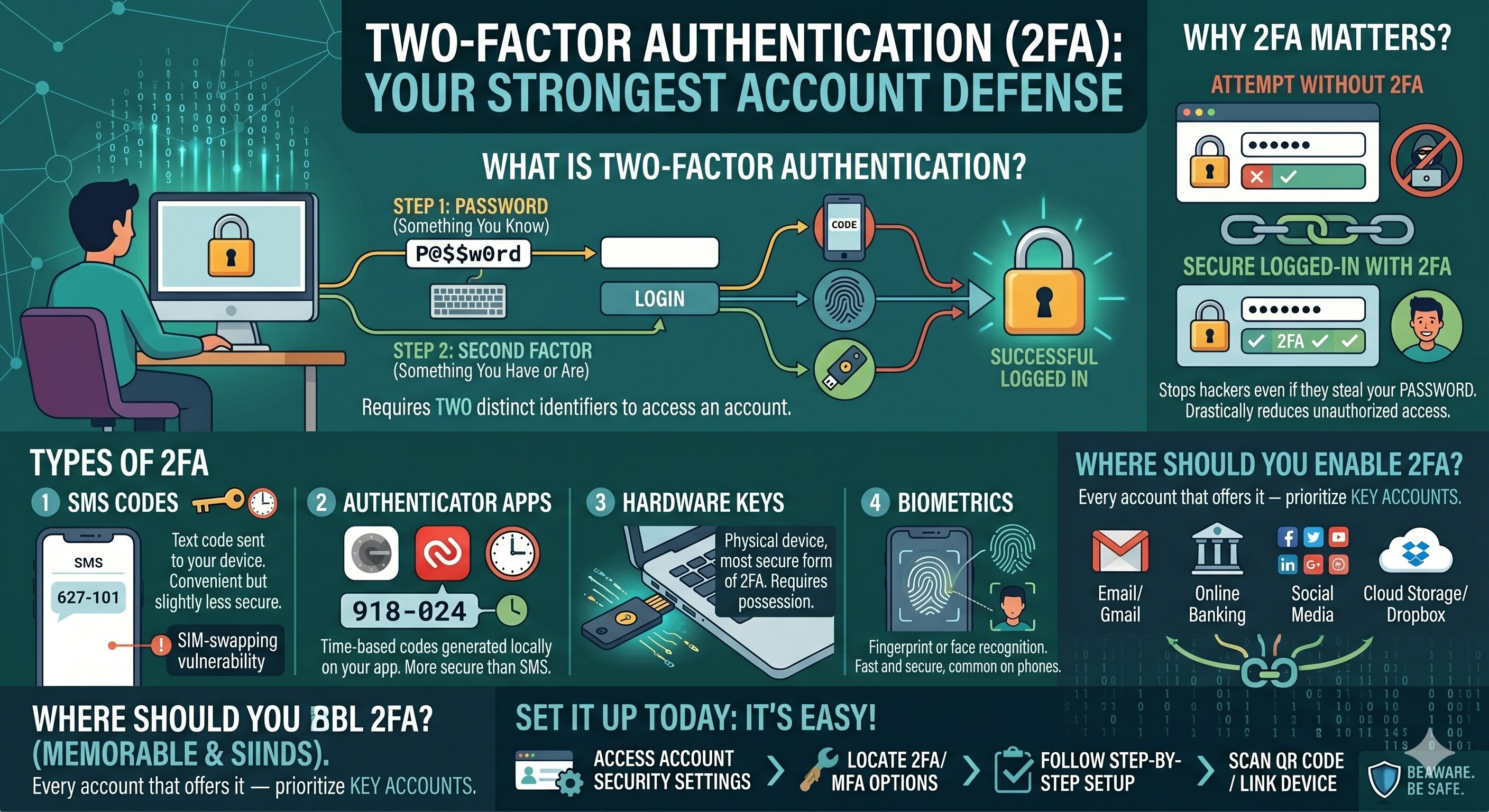
What Is Two-Factor Authentication and Should You Use It?
Imagine if your front door
required both a key and a fingerprint to open. That's the idea behind
two-factor authentication (2FA) — and it's one of the most powerful tools you
can use to protect your online accounts.
What Is Two-Factor Authentication?
Two-factor authentication (2FA)
is a security process that requires you to provide two forms of identification
to access an account. The first is something you know (your password). The
second is something you have or are — like a code sent to your phone, a
fingerprint, or a hardware key.
Why Does It Matter?
Even if a hacker steals your
password, they can't log in without the second factor. This simple addition
dramatically reduces the risk of unauthorized access, making 2FA one of the
most effective security measures available to everyday users.
Types of 2FA
SMS codes — A text message with
a one-time code is sent to your phone. It's convenient but less secure
(SIM-swapping attacks can bypass it).
Authenticator apps — Apps like
Google Authenticator or Authy generate time-sensitive codes on your device.
More secure than SMS.
Hardware keys — Physical devices
like YubiKey plug into your computer and are the most secure form of 2FA.
Biometrics — Fingerprint or face
recognition, commonly used on smartphones.
Where Should You Enable 2FA?
Enable 2FA on every account that
offers it — especially email, banking, social media, and cloud storage. These
are the accounts hackers target most aggressively.
Is 2FA Foolproof?
No security measure is perfect.
Phishing attacks can trick users into entering 2FA codes on fake websites. But
2FA still stops the vast majority of automated attacks and makes you a much
harder target.
Set It Up Today
If you haven't already enabled
2FA on your key accounts, do it now. It takes less than five minutes and can
save you from enormous headaches. It's one of the highest-impact, lowest-effort
security steps you can take.





Comments