
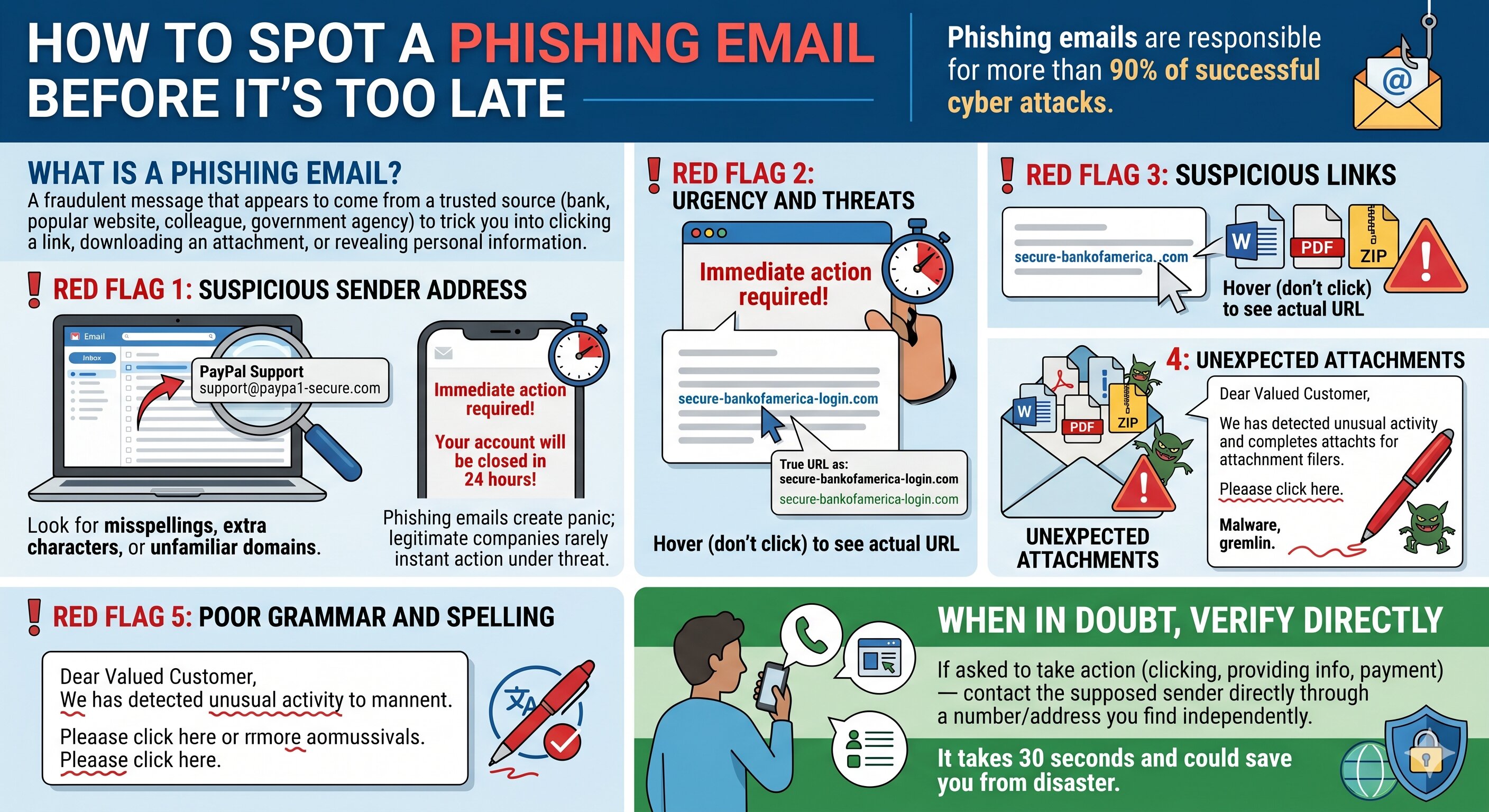
How to Spot a Phishing Email Before It's Too Late
Phishing emails are responsible
for more than 90% of successful cyber attacks. They're designed to look
legitimate and create urgency — pushing you to act before you think. Here's how
to recognize them before you fall for one.
What Is a Phishing Email?
A phishing email is a fraudulent
message that appears to come from a trusted source — your bank, a popular
website, a colleague, or even a government agency. Its goal is to trick you
into clicking a link, downloading an attachment, or revealing personal information.
Red Flag 1: Suspicious Sender Address
Check the actual email address,
not just the display name. An email saying it's from 'PayPal Support' might
come from an address like 'support@paypa1-secure.com'. Look for misspellings,
extra characters, or unfamiliar domains.
Red Flag 2: Urgency and Threats
'Your account will be closed in
24 hours!' 'Immediate action required!' Phishing emails create panic to make
you act without thinking. Legitimate companies rarely demand instant action
under threat of account closure.
Red Flag 3: Suspicious Links
Hover over any link (don't
click) to see the actual URL. If it doesn't match the supposed sender or looks
strange, don't click. Attackers use links like 'secure-bankofamerica-login.com'
that look convincing at first glance.
Red Flag 4: Unexpected Attachments
Be extremely cautious about
attachments you weren't expecting — even if they appear to come from someone
you know. Malware is frequently delivered through Word documents, PDFs, and ZIP
files.
Red Flag 5: Poor Grammar and Spelling
Many phishing emails —
especially those originating from international criminal groups — contain
awkward phrasing, grammatical errors, or unusual formatting. Legitimate
companies proofread their communications.
When in Doubt, Verify Directly
If an email asks you to take any
kind of action — clicking a link, providing information, or making a payment —
contact the supposed sender directly through a number or address you find
independently (not from the email). It takes 30 seconds and could save you from
disaster.





Comments