
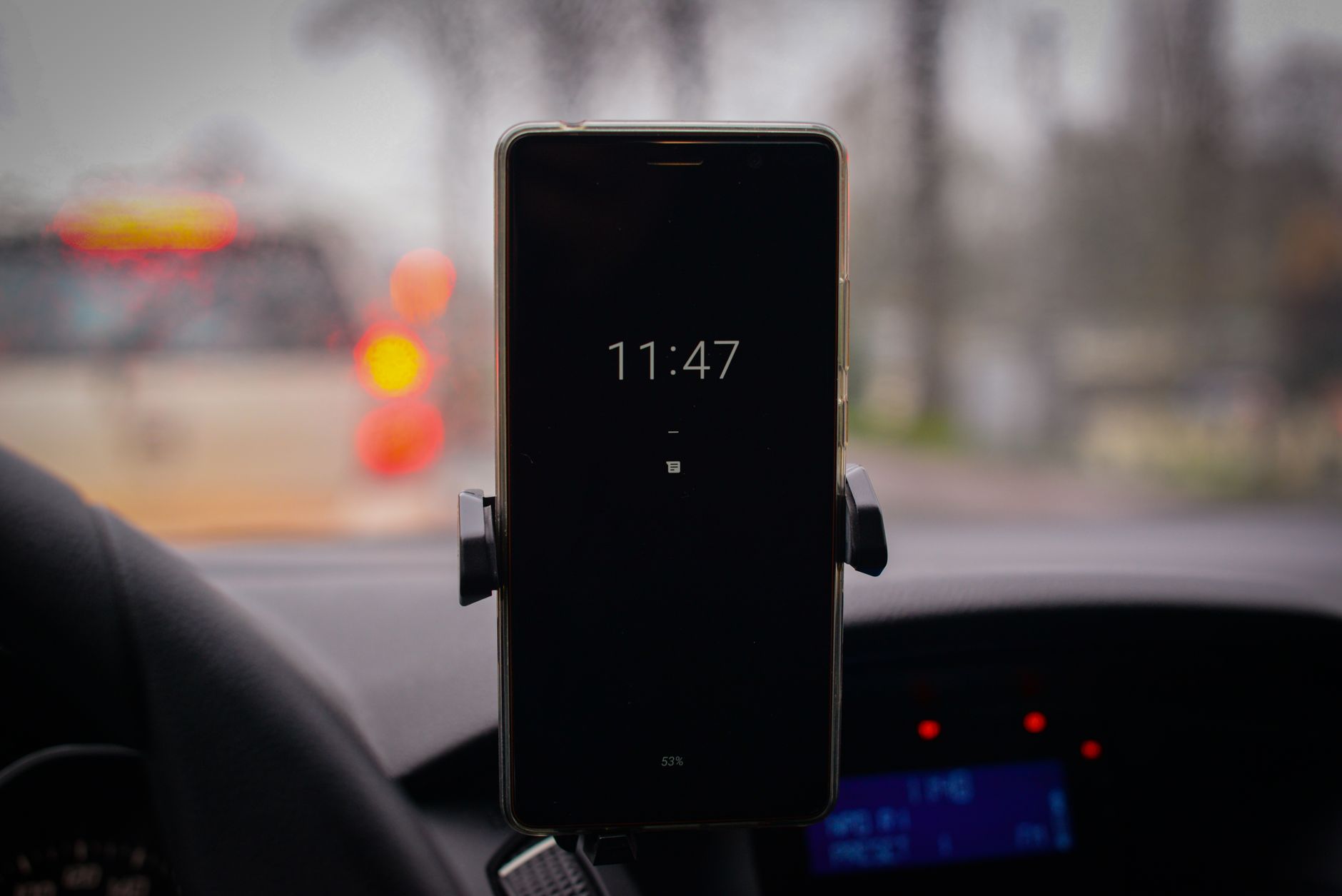
Apple introduced Live Activities to help users monitor real-time updates without constantly opening apps. Whether you are tracking a flight, waiting for a food delivery, following a sports score, or watching a timer, these persistent alerts eliminate the need to switch back and forth between applications. On devices equipped with the Dynamic Island, active updates naturally integrate into the hardware cutout, while older or locked screens display them directly on the lock screen.
While the feature is generally active right out of the box, specific apps might occasionally fail to display updates. Adjusting this is straightforward by heading into the main system settings. Navigate to Settings, select Apps, and check the specific application giving you trouble to ensure the Live Activities toggle remains active. Additionally, users must confirm that access is permitted while the device is locked by reviewing the Face ID and Passcode settings and verifying that Live Activities is allowed under the lock screen access options.
Bringing these real-time updates to your vehicle requires a few additional checks within CarPlay. Live Activities automatically route to the CarPlay Dashboard split-screen view, or appear as discreet notifications at the bottom of full-screen app displays. Drivers experiencing missing updates should open the CarPlay settings menu to ensure both the Live Activities toggle and dashboard suggestions are enabled. Turning off active Driving Focus profiles can also resolve visibility issues, letting drivers safely monitor essential information on the road.





Comments