
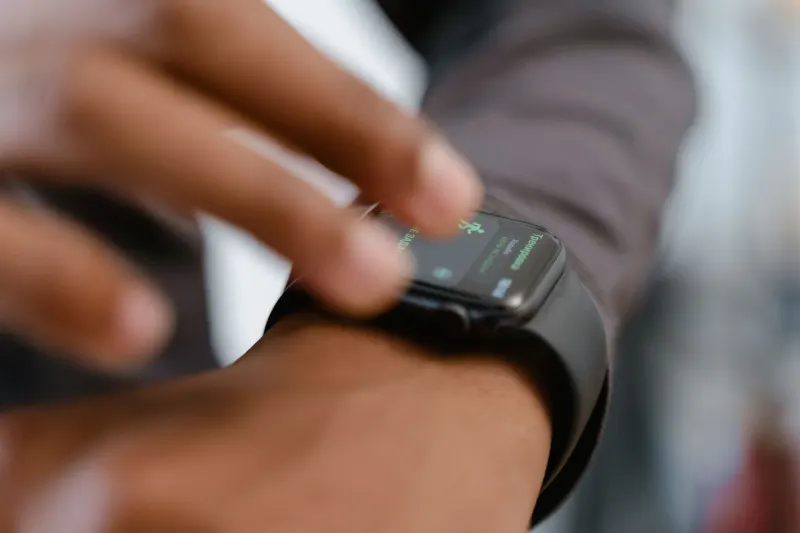
Wearable technology has evolved far beyond basic step counters and fitness trackers, offering critical health and safety tools that benefit users of all ages. For older adults, particularly independent-minded baby boomers who prefer smart devices over conspicuous medical pendants, the Apple Watch serves as a discreet guardian. According to the National Institute of Aging, avoiding stigmatizing medical alarms is important for seniors who value active, independent lifestyles. By configuring a few built-in health alerts, older wearers and their families can secure an extra layer of daily safety and proactive healthcare monitoring.
Key takeaways
- Emergency SOS, Medical ID, and Emergency Contacts provide vital links to help services when accidents happen.
- Fall Detection is enabled automatically if the Health app registers the user is 55 or older.
- Heart health tools monitor continuous heart rates, high or low thresholds, and record 30-second ECG readings.
- Medication reminders and sleep tracking help users manage daily prescriptions and screen for conditions like sleep apnea.
Critical Safety and Emergency Features
Emergency SOS stands as a cornerstone feature for older adults, allowing wearers to quickly contact emergency services when things go wrong. To activate this tool, users open the Watch app on a paired iPhone, tap Emergency SOS, and turn on the Hold Side Button to Dial function. Users can also set up Medical ID and Emergency Contacts within the Health app by tapping their profile picture, selecting Medical ID, and entering critical details such as allergies and underlying conditions so treating medics have immediate access. Furthermore, Fall Detection protects against the staggering statistic from the US Centers for Disease Control and Prevention that over one in four people aged 65 or older fall unexpectedly each year. Pew Research also notes that 26 percent of US adults aged 65 or older lived alone in 2023, increasing the risk of remaining unnoticed after an accident. Fall Detection triggers automatically for users aged 55 or older, calling emergency services if the device's built-in sensors detect immobility following a hard fall. Recent models also include Crash Detection to handle serious vehicular accidents.
Heart Monitoring and Daily Medication Tracking
Cardiovascular health remains a priority, underscored by CDC data showing someone dies of cardiovascular disease every 34 seconds in the US. While the watch does not diagnose heart attacks, it continuously tracks heart rate using green and infrared LED lights on its back. Wearers can perform an ECG reading in just thirty seconds by opening the ECG app, keeping their wrist steady, and touching the Digital Crown. The device additionally warns users if heart rates spike above 120 bpm or drop below 40 bpm, feeding all data into the Health app alongside VO2 Max metrics. To manage daily regimens, Medication Reminders tap the user's wrist with a notification when it is time for a dose. Users add medications via the Health app on an iPhone, building a compliance log that can be shared directly with a doctor. Sleep tracking capabilities can similarly flag potential sleep apnea for professional medical investigation.
Accessibility and Sound Recognition Tools
Aging often brings changes in hearing and vision, which Apple addresses through built-in accessibility features available at no extra charge. Sound Recognition uses the Apple Watch and iPhone to actively listen for important environmental cues, including doorbells, sirens, and fire alarms. Users can activate this capability under Accessibility Settings on an iPhone by navigating to Sound & Name Recognition and selecting preferred sounds. For visual adjustments, wearers can press the side button to open the Control Center, tap the AA icon, and spin the Digital Crown to enlarge font sizes for easier reading. Together, these configurations allow older adults to navigate daily life with greater confidence and technological support.





Comments