
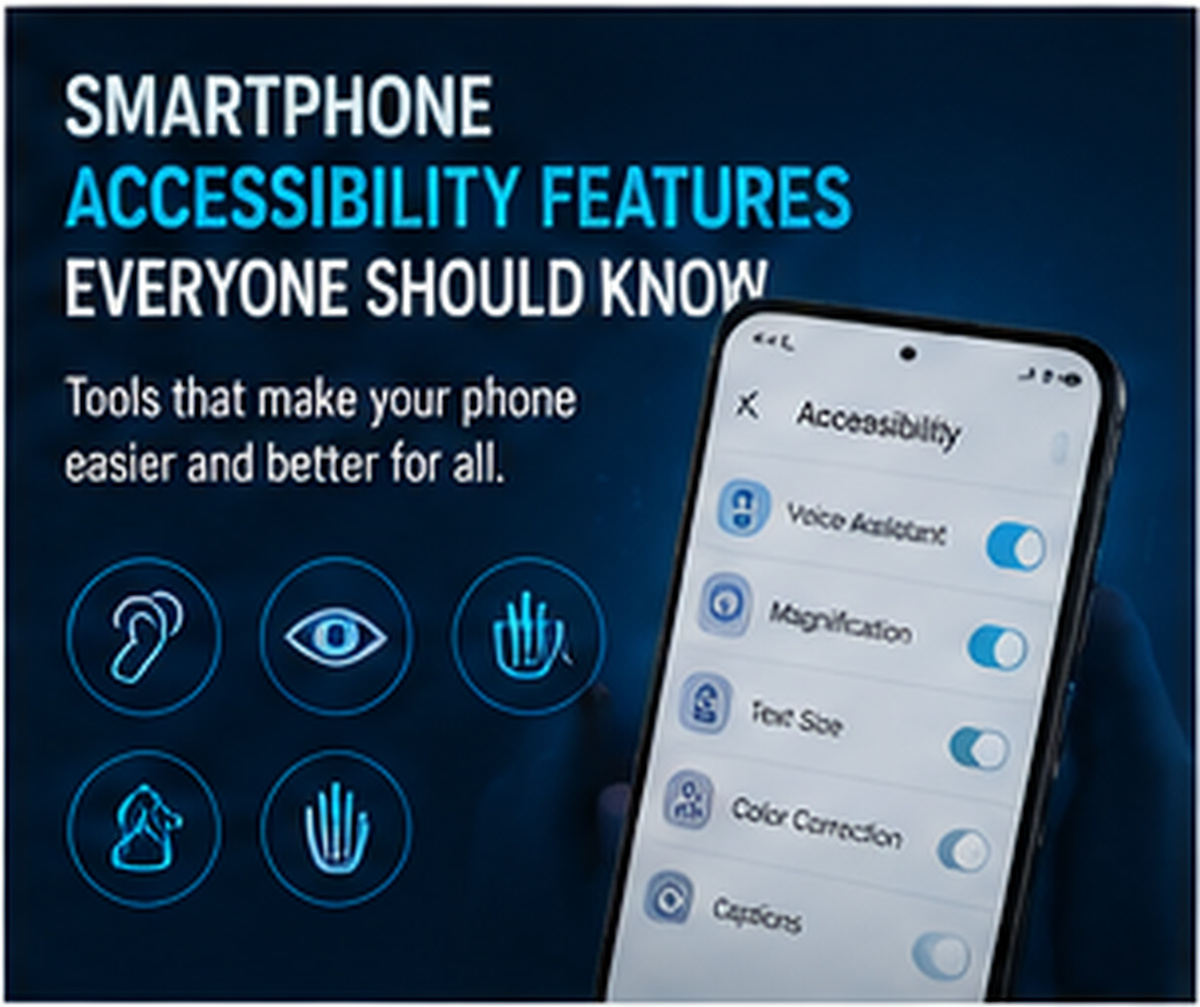
Smartphones include many accessibility features designed to help people with different needs. These features are useful not only for people with disabilities but also for elderly users, students, professionals, and anyone who wants a more comfortable phone experience.
Common accessibility features include screen readers, voice control, text size adjustment, magnification, color correction, captions, hearing aid support, gesture controls, and one-handed mode. Users with weak eyesight can increase font size, enable bold text, use magnification, or turn on high contrast mode.
Voice control and voice typing help users operate the phone without typing manually. Screen readers can read text aloud for visually impaired users. Captions are helpful for people with hearing difficulties or users watching videos in noisy places.
One-handed mode is useful for large-screen phones because it brings controls closer to the thumb. Haptic feedback and vibration alerts also improve usability.
Many users never explore accessibility settings, but these tools can make the phone easier, safer, and more personalized. Parents can also set accessibility options for elderly family members to make phones simpler to use.
Smartphone accessibility features show that technology should be useful for everyone, regardless of age, ability, or comfort level.





Comments